Standing Desk Basics
What Is a Standing Desk?
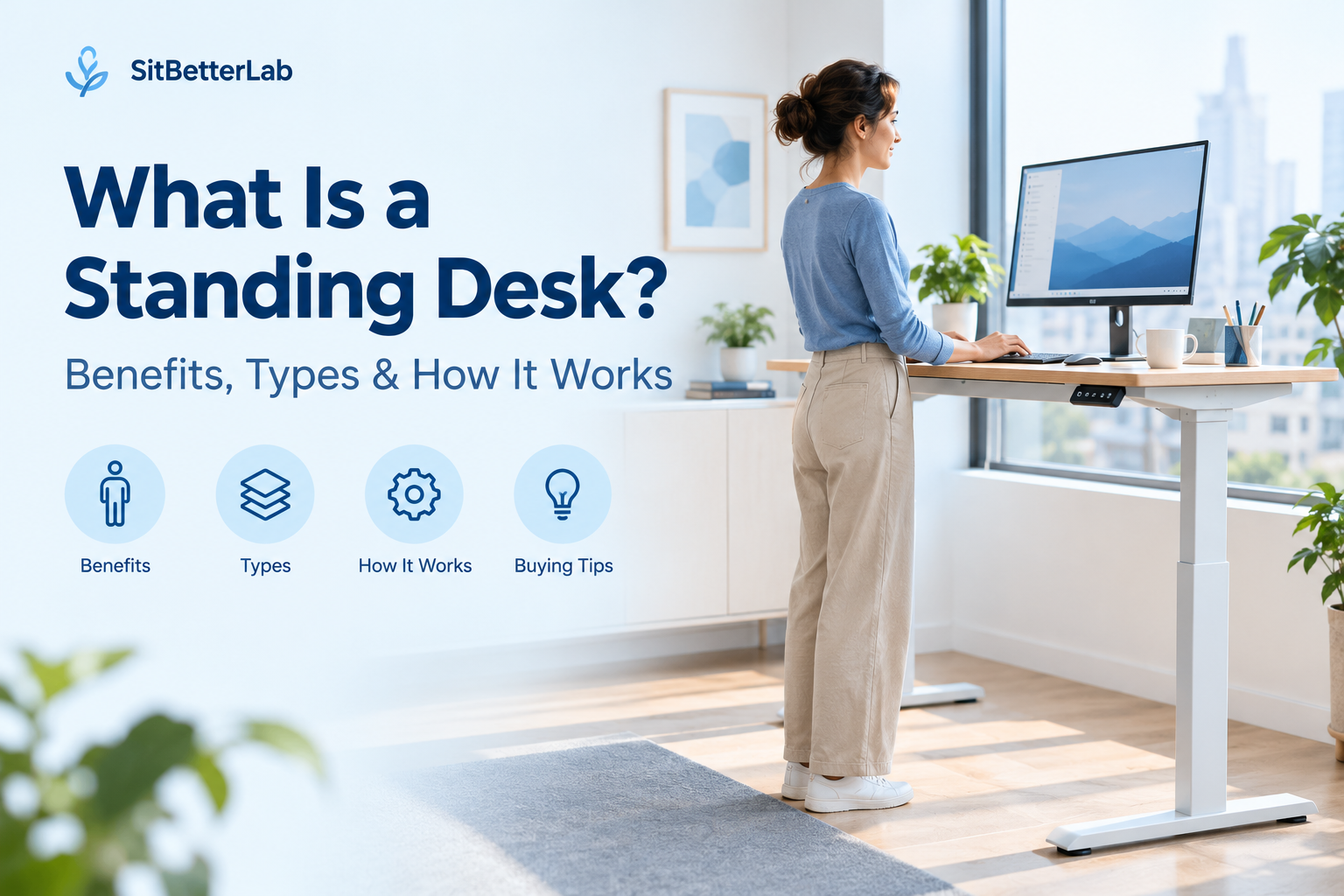
A standing desk is a workstation designed to let you work while standing rather than remaining seated for the entire workday. Some models adjust between sitting and standing, while others have a fixed standing height.
The main purpose of a standing desk is to make it easier to change working positions. It is not a replacement for movement, exercise, or a properly adjusted office chair.
If you spend hours working at a computer, you have probably wondered whether a standing desk is worth considering. These desks are available in several designs, from electric sit-stand desks to simple desktop converters that sit on top of an existing desk.
The best option depends on your workspace, budget, equipment, and how often you want to change positions. This guide explains what a standing desk is, how it works, its main benefits and limitations, and what to consider before buying one.
In This Guide
How Does a Standing Desk Work?
A standing desk supports your computer, monitor, keyboard, and other work equipment at a height suitable for standing. Depending on the design, the work surface may stay at one height or move up and down.
An adjustable standing desk typically uses a lifting frame or columns to raise and lower the desktop. The adjustment mechanism determines how the height changes.
- Electric adjustment: A motor moves the desk when you press the controller. Some models include programmable height presets.
- Manual crank adjustment: You turn a handle to raise or lower the desktop. This avoids relying on an electric lifting motor but requires physical effort.
- Pneumatic adjustment: A gas-assisted mechanism helps raise or lower the work surface, depending on the design.
- Desktop converter: A separate platform raises your monitor and keyboard above an existing desk. Some converters adjust vertically, while others use different lifting designs.
Fixed-height standing desks also exist, but they do not offer the same flexibility as a sit-stand model. If you plan to alternate between sitting and standing, make sure the desk or converter can reach both positions comfortably.
For a more detailed comparison of adjustment mechanisms, see our upcoming guide to hand-crank vs. electric standing desks.
What Are the Main Types of Standing Desks?
Standing desks are not all built the same way. Understanding the main categories makes it easier to narrow down your choices.
Electric Sit-Stand Desks
Motorized desks let you change height with a controller. They are convenient if you expect to switch positions regularly.
Best for: frequent height adjustments and everyday office use.
Manual Standing Desks
Hand-crank designs allow height changes without an electric lifting motor. Adjustment generally takes more effort.
Best for: people comfortable with manual adjustment.
Standing Desk Converters
A converter sits on an existing desk and provides a raised surface for your computer equipment.
Best for: renters, shared offices, and people keeping their current desk.
Fixed-Height Standing Desks
These desks stay at one height and do not provide a built-in way to switch between seated and standing positions.
Best for: users who specifically want a permanent standing workstation.
There are also specialized designs, including four-leg frames, narrow desks for compact rooms, and desks intended for treadmill workstations.
Explore our Standing Desks Guide for related buying guides and workspace advice, including:
- Best Standing Desks for Tall People
- Best Narrow Standing Desks
- Best Four-Leg Standing Desks
- Best Standing Desk Frames for DIY Desk Builds
What Are the Benefits of a Standing Desk?
The biggest practical advantage of a sit-stand desk is that it gives you another option for working throughout the day. Its value depends on how you use it and whether your overall workstation is properly adjusted.
1. Makes It Easier to Change Positions
Remaining in one position for long periods can be uncomfortable. A height-adjustable desk makes it easier to move from sitting to standing without abandoning your workstation.
Changing positions should be part of a broader routine that includes walking, stretching, and taking breaks when possible. Standing in exactly the same position for hours is not the goal.
2. Allows More Flexible Workspace Setup
An adjustable desk can accommodate different working positions and may be useful in shared workspaces where people have different height requirements. Models with programmable presets can also make repeated adjustments more convenient.
However, the desk needs a suitable adjustment range. A model that cannot reach your comfortable sitting or standing height may not provide the flexibility you need.
3. Can Help Reduce Time Spent Sitting
Switching to a standing position can reduce the amount of time you spend seated at your workstation. Research discussed by Mayo Clinic describes active workstations as one way to incorporate more movement into the working day.
The important distinction is that standing is not the same as exercise. A standing desk should complement regular physical activity rather than replace it.
4. Can Support a Better-Adjusted Workstation
A height-adjustable desk can help you position your keyboard and monitor more appropriately for standing work. This is particularly useful when the desktop height needs to change to match your body dimensions.
Still, a standing desk does not automatically correct poor posture. Monitor position, keyboard height, mouse placement, footwear, and how you distribute your weight all matter.
What Are the Drawbacks of Standing Desks?
A standing desk can be useful, but it is not the right solution for every workspace or every user.
Common limitations to consider
- Cost: Adjustable desks can cost more than basic fixed-height desks, especially when they include motorized lifting systems and additional features.
- Standing fatigue: Staying upright for too long may cause discomfort in your feet, legs, or back. You should still be able to sit and move around.
- Workspace compatibility: Some desks may not fit your room, monitor arrangement, or preferred accessories.
- Stability: Stability varies with frame construction, desktop size, load distribution, and desk height.
- Setup requirements: Electric desks may require power, cable management, assembly, and enough clearance for the desktop to move safely.
A standing desk is most useful when it makes your work routine more flexible. If it causes discomfort or encourages you to stand without moving for long periods, reconsider your setup and how you use it.
How to Use a Standing Desk Comfortably
Good ergonomics starts with adjusting the workstation to your body rather than forcing your body to fit the furniture.
Standing desk setup checklist
- Keep your head, neck, and torso approximately aligned instead of leaning forward toward the screen.
- Relax your shoulders and keep your elbows near your sides.
- Position the keyboard and mouse so your wrists remain relatively straight while working.
- Place the monitor at a comfortable viewing height and distance.
- Wear supportive footwear and consider a suitable anti-fatigue mat if the floor is hard.
- Alternate between sitting, standing, and walking instead of standing continuously.
- Keep cables, drawers, and other objects clear of the desk’s lifting path.
The Occupational Safety and Health Administration’s workstation guidance emphasizes neutral body positioning and changing positions regularly. These principles apply whether you are sitting or standing at a computer.
If you are unsure about the right desk height, start with your own elbow position while typing and adjust the desk until your shoulders can relax. You can also read our standing desk height guide for tall people for more specific setup considerations.
How to Choose the Right Standing Desk
Before comparing individual models, identify the features that matter most in your workspace.
Consider Your Height
Check the desk’s minimum and maximum height rather than relying on a general description such as tall or ergonomic. If you plan to sit and stand at the same desk, make sure the adjustment range works for both positions.
Measure Your Available Space
Measure the width and depth of the area where the desk will sit. Account for monitor arms, keyboard trays, chair clearance, nearby walls, and any equipment that may interfere with the desktop as it rises.
Choose an Adjustment Mechanism
Electric adjustment is convenient for frequent transitions, while manual and pneumatic designs offer alternative ways to change height. Consider adjustment effort, power availability, noise, and the controls you prefer.
Check Load Capacity and Stability
Consider the combined weight of your desktop, monitors, computer equipment, and accessories. Compare the manufacturer’s stated capacity and stability information, and do not assume that a higher load rating automatically means less wobble.
Decide Which Features You Actually Need
Preset controls, drawers, cable management, memory settings, and monitor mounts may improve convenience, but not everyone needs every feature. Prioritize the ones that solve a real problem in your workspace.
For more options by workspace size and desk design, visit our Standing Desks Guide.
Frequently Asked Questions
Is a standing desk the same as a sit-stand desk?
Not always. A standing desk may have a fixed height, while a sit-stand desk is designed to move between seated and standing positions. Check the adjustment features before buying.
Do standing desks help you lose weight?
Standing generally uses more energy than sitting, but the difference alone is not a reliable weight-loss strategy. Weight management depends on several factors, including overall activity and energy intake.
Should I stand all day at my standing desk?
No. The goal is to vary your position rather than replace prolonged sitting with prolonged standing. Alternate positions and take opportunities to walk and move throughout the day.
Are standing desk converters worth considering?
A converter can be a practical option if you want to keep your existing desk. Check the platform size, adjustment range, stability, and space available for your keyboard and monitor.
Do standing desks prevent back pain?
A standing desk is not a guaranteed way to prevent or treat back pain. Workstation fit, posture, movement, and individual circumstances all matter. Persistent or severe pain should be discussed with a qualified healthcare professional.
Explore More Standing Desk Guides
Now that you understand what a standing desk is and how it works, explore desk styles, height considerations, and buying advice to find a setup that fits your space.
5 thoughts on “What Is a Standing Desk? Benefits & Types”