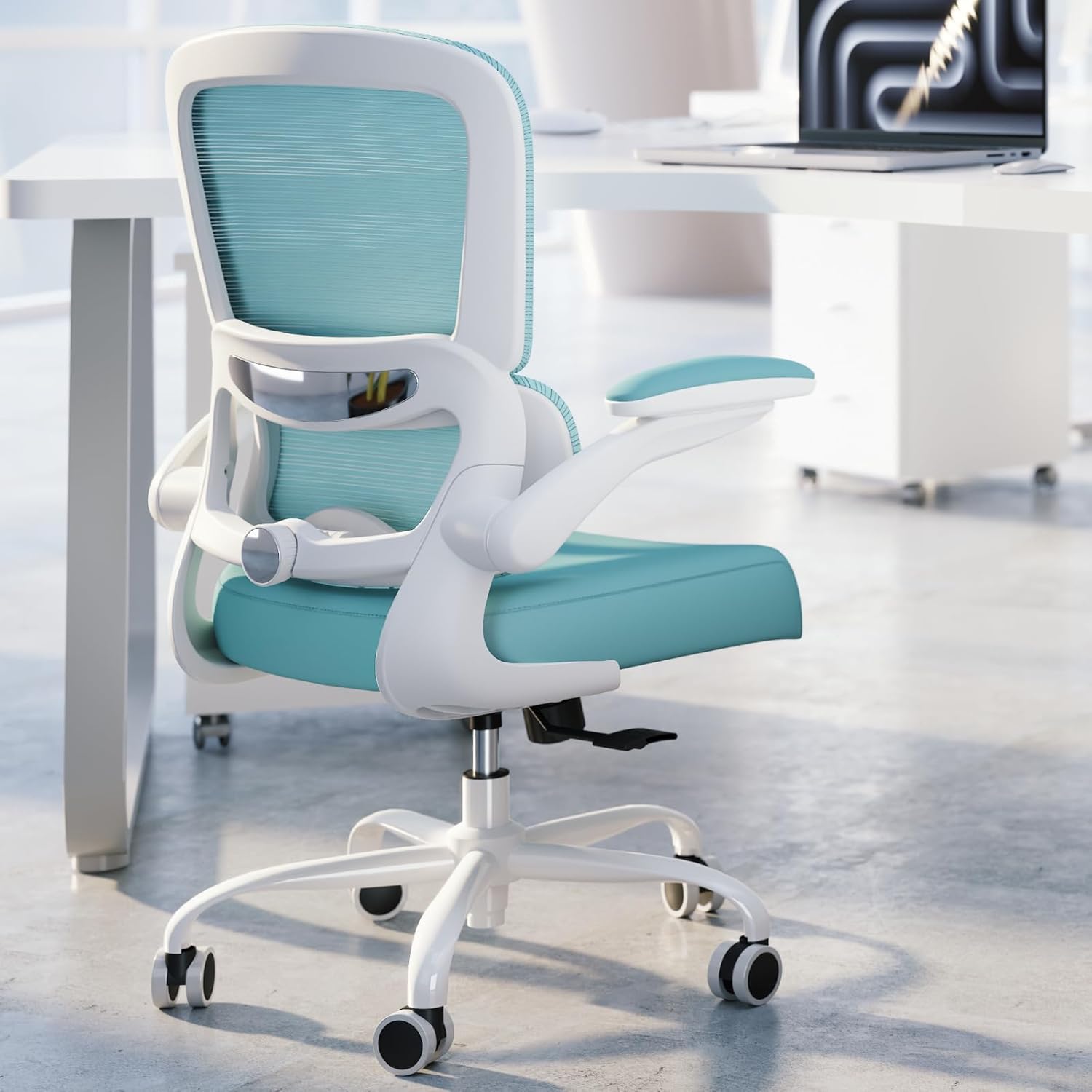
If you spend much of your workday at a desk and have a herniated disc, choosing the right office chair can make your workstation more comfortable. The goal is not to treat or repair the disc. Instead, look for a chair that fits your body, supports your lower back comfortably, and gives you enough adjustment to change positions during the workday.
If you’re comparing office chairs for different types of back discomfort, visit our
Office Chairs for Back Pain Hub
for related guides covering lower back pain, sciatica, upper back pain, hip discomfort, and other seating considerations.
For many shoppers, the most useful features include
adjustable lumbar support, suitable seat depth, a supportive backrest, adjustable seat height, comfortable armrests, and a recline function
.
This guide compares five ergonomic office chairs using those practical criteria.
There is no single chair that is medically best for every person with a herniated disc. Individual symptoms, body dimensions, desk setup, and tolerance for different sitting positions all matter. The goal here is to help you identify useful chair features rather than make medical treatment claims.
Important Medical Note
This article provides general ergonomic and product information. An office chair is not a treatment for a herniated disc, sciatica, nerve compression, or another spinal condition. If you have severe, worsening, or new symptoms, significant weakness or numbness, or symptoms that concern you, seek advice from a qualified healthcare professional. Your clinician or physical therapist can also advise you about positions and activities that are appropriate for your individual condition.
Quick Answer: What Is a Good Office Chair for a Herniated Disc?
A good office chair for someone with a herniated disc should allow a comfortable, adjustable working position rather than forcing everyone into the same posture. Look for
adjustable lumbar support, appropriate seat depth, adjustable seat height, supportive armrests, and a backrest that allows comfortable reclining
.
Fit matters more than a particular brand or price tag, and the chair should complement—not replace—any medical guidance you have received.
In This Guide
How a Herniated Lumbar Disc Can Affect Sitting
A herniated lumbar disc occurs when material from an intervertebral disc pushes through a weakened or damaged area of its outer layer. Depending on the location and severity, symptoms can include lower-back pain, buttock or leg pain, numbness, or weakness.
Sitting can feel uncomfortable for some people with lumbar disc problems. A poorly fitted chair may encourage slouching, leave the feet unsupported, or make it difficult to change position. However, individual symptoms vary, so there is no universal sitting posture that is guaranteed to work for everyone.
That is why an office chair should be considered part of the overall workstation rather than a medical solution. Chair interventions may help some people with sitting comfort, but evidence does not establish that changing an office chair alone treats an underlying spinal condition.
If prolonged sitting is uncomfortable, changing position and incorporating appropriate movement into the workday may be useful. When you have a diagnosed spinal condition, follow the individualized activity recommendations provided by your healthcare professional.
Related Back Pain Guides
For the broader topic, start with our
Office Chairs for Back Pain Hub
.
You can then explore specific chair guides based on the type of discomfort or seating requirement.
Key Features to Look For in an Office Chair for a Herniated Disc
When shopping for an ergonomic chair for a herniated disc, prioritize adjustability and fit instead of simply counting the number of features listed by the manufacturer.
1. Adjustable Lumbar Support
Lumbar support should contact your lower back comfortably without pushing your torso too far forward. Height adjustment is particularly useful because torso length varies between users. Some chairs also allow changes to lumbar depth or firmness.
2. Appropriate Seat Depth
Seat depth is easy to overlook. A seat that is too deep can make it difficult to sit fully against the backrest while keeping your feet supported. A seat that is too short may not provide enough thigh support. If your body dimensions make standard seats difficult to fit, an adjustable seat pan can be particularly useful.
3. Comfortable Recline and Tilt
A reclining backrest gives you another working position instead of requiring you to remain upright and fixed in one position. Look for adjustable recline tension and, if you prefer more control, multiple recline stop positions.
4. Adjustable Seat Height
Your feet should be comfortably supported on the floor or a footrest. Adjust the chair height so your workstation feels stable and your lower body remains comfortable during normal desk work.
5. Adjustable Armrests
Armrests can help you position your arms without raising your shoulders while working. At minimum, look for height adjustment. More advanced armrests can provide additional control over width, depth, and angle.
6. Seat Material and Pressure Distribution
- Mesh: generally provides more airflow and a firmer sitting feel.
- Foam or upholstered seats: generally provide a softer initial feel and may appeal to users who prefer more cushioning.
- Flexible seat edges: may be useful if you dislike pressure around the thighs.
There is no universally superior seat material for a herniated disc. Personal comfort, fit, and the chair’s adjustment range are more important than whether the seat is made from mesh or foam.
5 Office Chairs to Consider for a Herniated Disc in 2026
Rather than claiming that one chair is medically “best,” the models below are compared according to practical ergonomic factors: lumbar adjustment, seat fit, recline, armrest adjustment, sizing, and overall positioning flexibility.
1. Steelcase Leap V2 – Highly Adjustable Ergonomic Chair
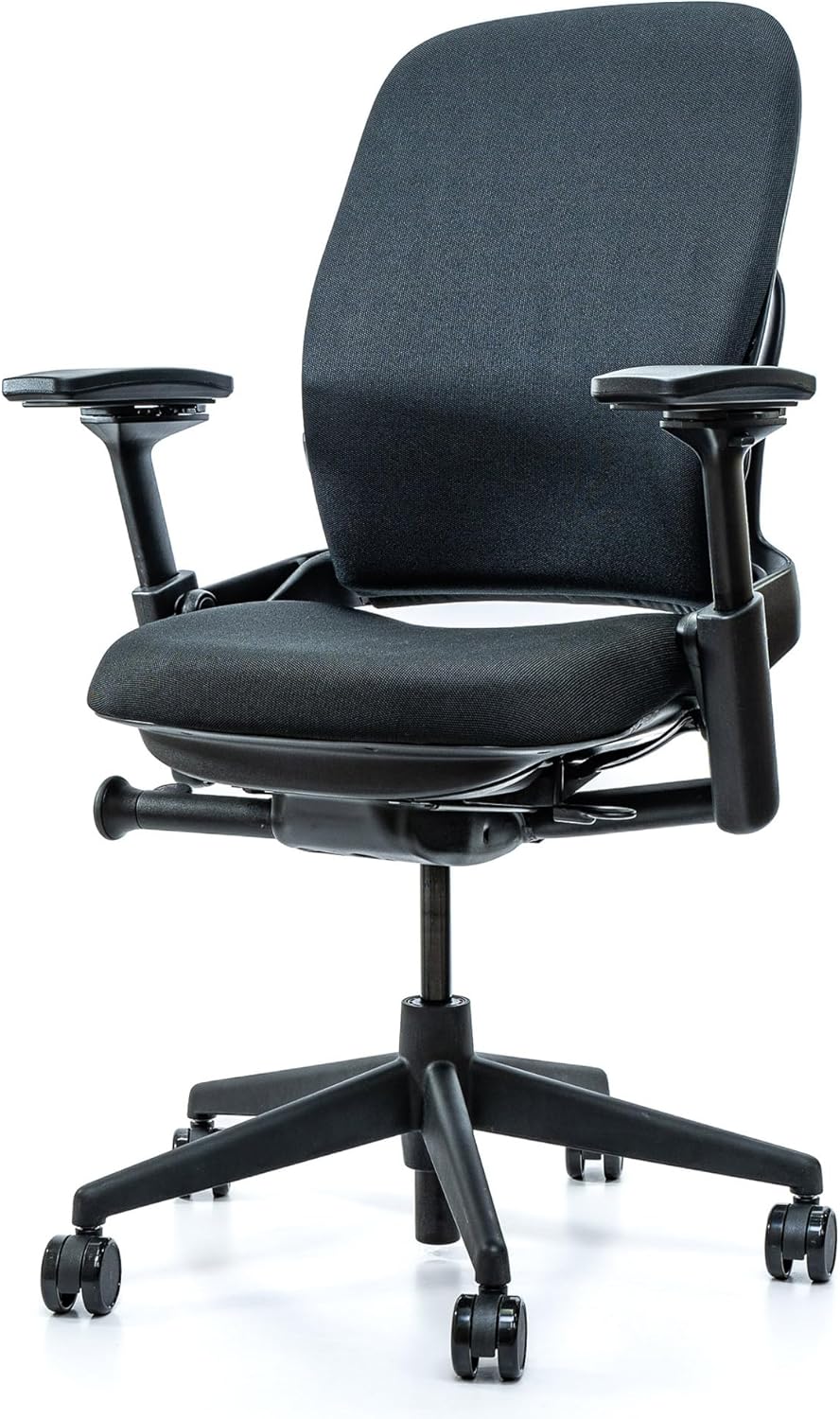
Highly Adjustable
Adjustable Lumbar
The Steelcase Leap is built around extensive adjustability. Its LiveBack backrest is designed to respond as you change position, while the chair includes adjustable lumbar support, seat-depth adjustment, adjustable arms, and multiple recline settings.
For someone looking for an office chair for a herniated lumbar disc, the main attraction is the ability to fine-tune the chair rather than relying on one fixed configuration. The trade-off is its premium pricing compared with basic office chairs.
Pros
- Highly adjustable lumbar support
- Adjustable seat depth
- Multiple recline positions
- Adjustable armrests
- Broad range of fit adjustments
Considerations
- Premium price
- Heavier than many basic office chairs
- Adjustment options require some setup
2. Herman Miller Aeron – Premium Mesh and Multiple Sizes
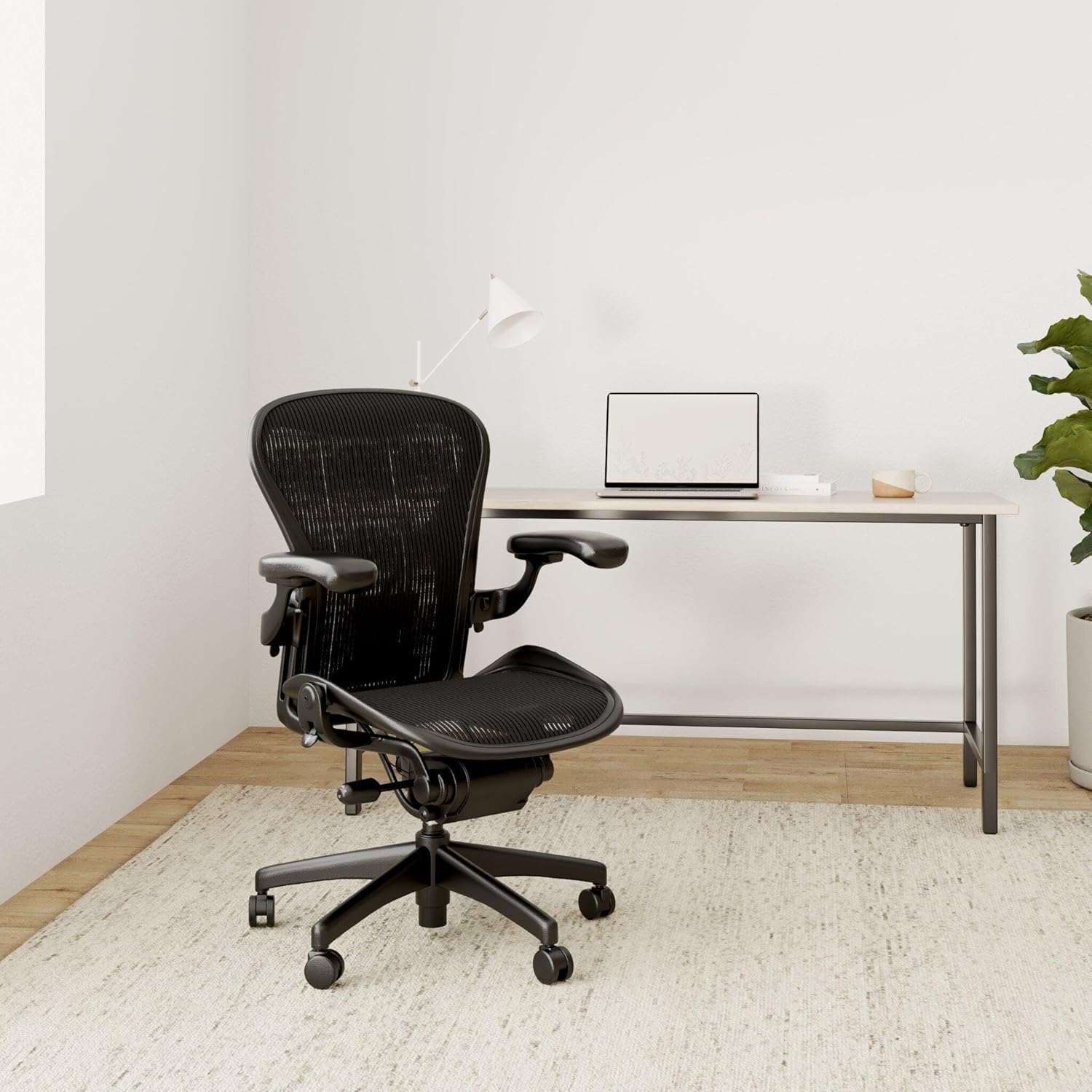
Premium Mesh
Multiple Sizes
The Herman Miller Aeron takes a different approach from the Leap. Its suspension seat and back provide a firm, breathable sitting surface, while available PostureFit SL provides adjustable support around the sacral and lumbar region.
The Aeron is available in multiple sizes, making sizing a major part of the buying decision. It can be worth considering if you prefer a firmer mesh seat and want a chair with a well-developed sizing system.
Pros
- Multiple chair sizes
- Breathable suspension material
- Available lumbar and PostureFit options
- Adjustable arms and recline
- Established ergonomic design
Considerations
- Premium price
- Firm mesh feel may not suit everyone
- Choosing the correct size is important
3. Autonomous ErgoChair Pro – Adjustable Mid-Range Option
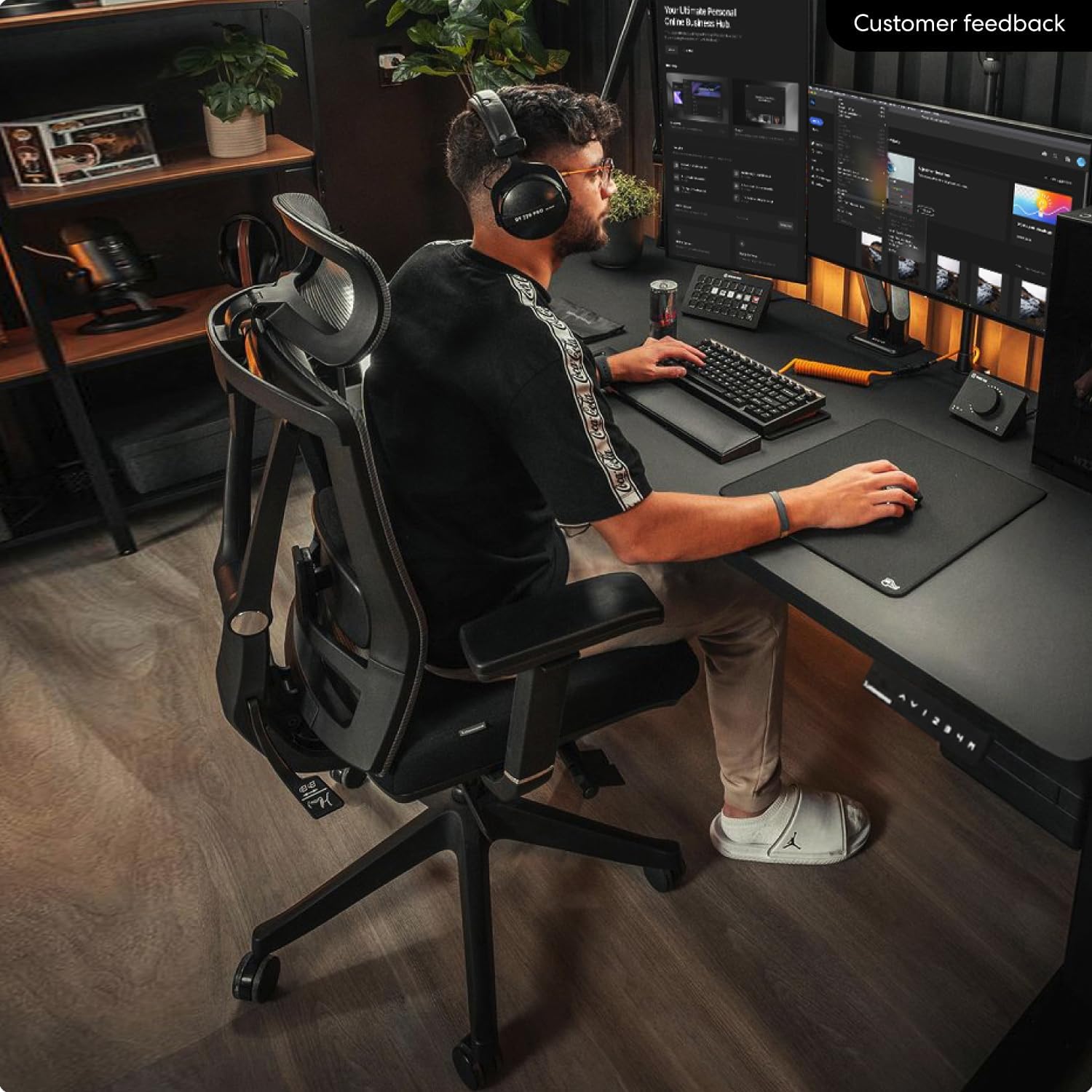
Mid-Range
Multiple Adjustments
The Autonomous ErgoChair Pro is designed for shoppers who want a range of ergonomic adjustments without immediately moving into the highest-priced office-chair category.
Its adjustable lumbar system, armrests, seat height, and reclining backrest give users several ways to change the chair’s configuration. Because specifications and configurations can change, check the current product information before purchasing.
Pros
- Multiple adjustment points
- Adjustable lumbar support
- Reclining backrest
- Broader adjustment range than basic chairs
Considerations
- Lumbar feel may be too pronounced for some users
- Check current specifications before buying
- Fit should be evaluated before extra features
4. SIHOO M18 – Budget Ergonomic Option
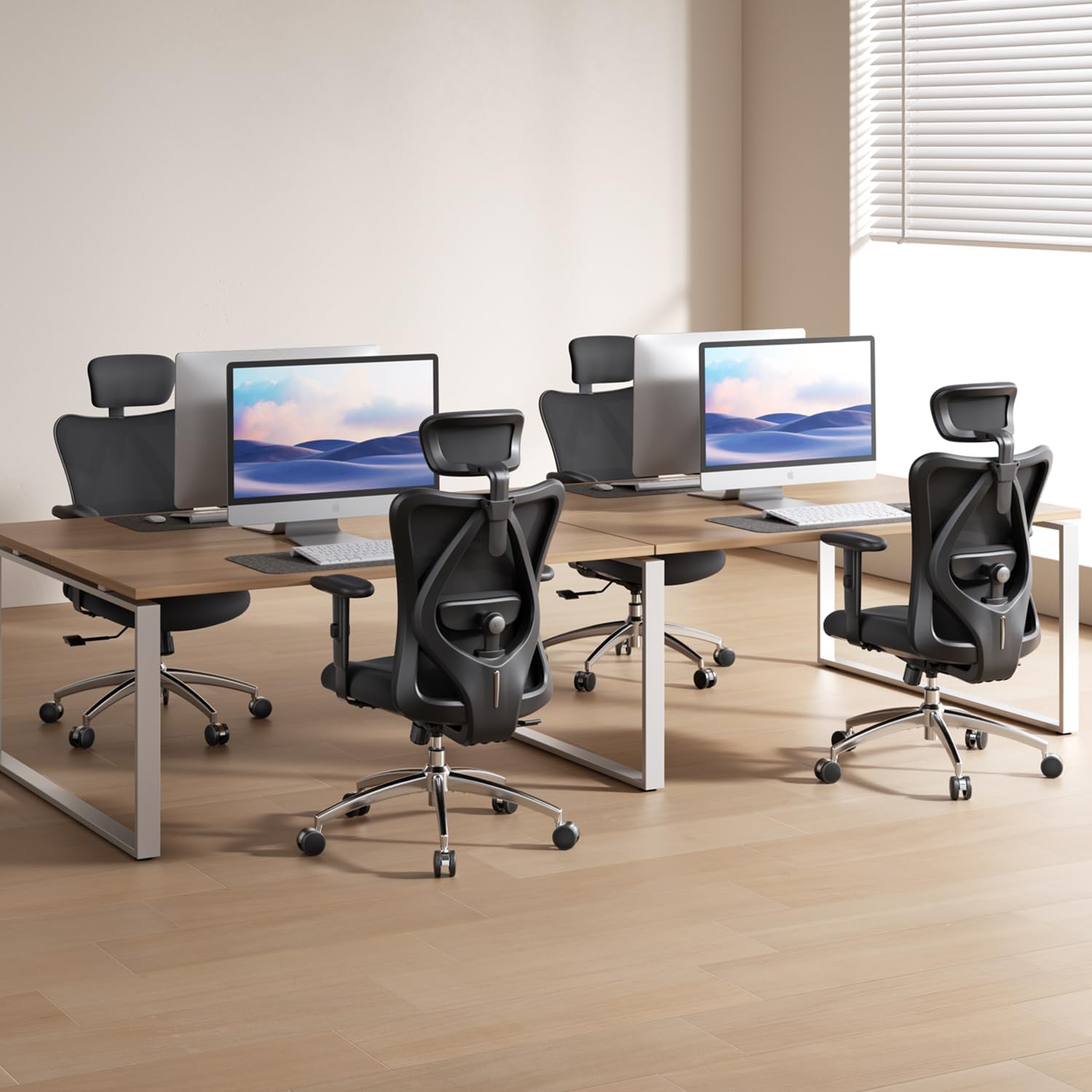
Budget Option
Basic Ergonomics
The SIHOO M18 is aimed at shoppers who want basic ergonomic adjustment without moving into premium office-chair pricing. Its lumbar support and reclining function provide more adjustment than a fixed-back chair.
The main consideration is fit. If the seat dimensions do not match your body, additional lumbar adjustment cannot completely solve the problem. Check the current manufacturer specifications before purchasing.
Pros
- More affordable entry point
- Adjustable lumbar support
- Breathable back design
- Reclining function
Considerations
- Fewer adjustment options than premium chairs
- Seat fit may be less flexible
- Check current dimensions before buying
5. X-Chair X4 – Dynamic Lumbar Design
Dynamic Support
Premium Option
The X-Chair X4 is designed around a dynamic lumbar-support concept rather than a simple fixed lumbar pad. That approach may appeal to users who frequently change position while working.
As with other premium ergonomic chairs, the important question is not whether the chair has the most features, but whether those features can be adjusted to a position that feels comfortable for your body.
Pros
- Dynamic lumbar concept
- Designed around position changes
- Reclining capability
- Additional configuration options
Considerations
- Premium pricing
- Optional features can increase total cost
- More adjustment is not automatically better for every user
Office Chairs for Herniated Disc: Quick Comparison
| Chair | Lumbar | Seat Fit | Recline | Price Position |
|---|---|---|---|---|
| Steelcase Leap V2 | Highly adjustable | Adjustable seat depth | Multiple positions | Premium |
| Herman Miller Aeron | Lumbar / PostureFit options | Multiple sizes | Adjustable tilt | Premium |
| Autonomous ErgoChair Pro | Adjustable | Multiple adjustments | Reclining | Mid-range |
| SIHOO M18 | Adjustable | More limited | Reclining | Budget |
| X-Chair X4 | Dynamic design | Multiple options | Adjustable | Premium |
Prices and configurations can change. Check the current product listing and manufacturer specifications before purchasing.
How to Set Up an Office Chair for a Herniated Disc
Even an expensive ergonomic chair may feel uncomfortable if it is poorly adjusted. Start with the basic fit before deciding whether the chair itself is the problem.
- Set the seat height.
Adjust the chair so your feet are comfortably supported on the floor or a footrest. - Check the seat depth.
Sit back against the backrest and make sure the seat does not press uncomfortably into the backs of your knees. - Adjust the lumbar support.
Position the lumbar area so it supports your lower back without forcing your torso too far forward. - Adjust the backrest.
Try a comfortable reclined position if the chair allows it rather than assuming you must remain perfectly upright. - Set the armrests.
Aim for relaxed shoulders and comfortable elbow support while typing and using the mouse. - Change position regularly.
A good ergonomic setup should make movement easier, not encourage uninterrupted sitting for hours.
Your Chair Is Only One Part of the Workstation
If your monitor is too low, keyboard too far away, or desk too high, you may still end up leaning forward or elevating your shoulders even with a good chair.
- Keep frequently used items within easy reach.
- Position the keyboard and mouse so your shoulders can remain relaxed.
- Make sure your feet have enough room under the desk.
- Adjust your monitor so you do not have to continually bend toward the screen.
- Use a footrest if your chair must be raised to match the desk height.
Common Mistakes When Buying an Office Chair for a Herniated Disc
Choosing by Brand Alone
A famous chair can still be the wrong size or shape for your body.
Too Much Lumbar Support
More aggressive lumbar support is not automatically more comfortable.
Ignoring Seat Depth
A poorly matched seat depth can make it difficult to use the backrest comfortably.
Assuming Expensive Means Better
A less expensive chair that fits your body may be more comfortable than a premium chair that does not.
When You Should Talk to a Healthcare Professional
Do not rely on a new chair to manage symptoms that are severe, worsening, or accompanied by significant weakness or numbness. A healthcare professional can evaluate your symptoms and provide individualized advice about sitting, movement, work modifications, and treatment.
Frequently Asked Questions
What is the best office chair for a herniated disc?
There is no single office chair that is best for everyone with a herniated disc. Look for a chair that allows you to adjust lumbar support, seat height, seat depth, armrests, and recline to find a comfortable working position. Fit and individual response should take priority over brand reputation.
Is a firm or soft office chair better for a herniated disc?
Neither is automatically better. A very soft chair may feel comfortable initially but may not provide the sitting feel you prefer, while a very firm seat may create uncomfortable pressure points. Choose the surface that allows you to remain comfortable and change position easily.
Is a mesh office chair good for a herniated disc?
A mesh office chair can be a good option if you prefer a firmer, breathable sitting surface. The mesh itself does not make a chair appropriate for a herniated disc; the overall fit, support, and adjustment range matter more.
Should I use a lumbar pillow with a herniated disc?
A lumbar pillow can be useful when a chair does not provide enough lower-back support. Avoid using a pillow that pushes your torso too far forward or makes your symptoms worse. If additional lumbar support consistently increases discomfort, remove it and consider discussing your sitting setup with a healthcare professional.
Is a reclining office chair better for a herniated disc?
A reclining backrest gives you another working position and may be more comfortable than staying fixed upright. However, reclining is not a treatment for a herniated disc. The useful question is whether the available recline allows you to find a comfortable, supported position.
How much should I spend on an ergonomic chair for a herniated disc?
You do not necessarily need a premium chair. Budget models can provide basic ergonomic adjustments, while more expensive models often offer more refined mechanisms, materials, sizing options, and adjustment ranges. Start by identifying the adjustments that actually matter for your body.
How long should I sit in an ergonomic chair?
There is no single interval that is medically correct for everyone. Instead of remaining seated continuously for long periods, change position regularly and include appropriate standing or walking breaks when possible. If movement or sitting consistently worsens your symptoms, follow the activity advice provided by your healthcare professional.
Can an office chair cure a herniated disc?
No. An office chair is designed to support your workstation and comfort. It should not be presented as a treatment or cure for a herniated disc. Chair selection should be considered part of a broader workstation and health strategy.
Office Chairs for Back Pain Hub
If a herniated disc is only one part of your seating concern, explore our broader collection of office-chair guides for different types of back discomfort and workstation needs.
Related Office Chair Guides
Bottom Line
When choosing the best office chair for a herniated disc, prioritize fit, adjustability, and personal comfort over marketing claims. A chair with adjustable lumbar support, appropriate seat depth, adjustable height, supportive armrests, and comfortable recline gives you more ways to create a workstation that suits your body.
The Steelcase Leap V2, Herman Miller Aeron, Autonomous ErgoChair Pro, SIHOO M18, and X-Chair X4 represent different approaches to ergonomic adjustment and seating design. Rather than assuming one is universally better, compare their adjustment ranges with your own body dimensions, desk setup, and comfort preferences.
Most importantly, remember that the chair is only one part of the setup. Position changes, an appropriately arranged desk, and individualized medical advice can all matter more than simply choosing the most expensive chair.
Continue exploring our complete back-pain chair collection:
Disclaimer:
This article is for general informational purposes only and is not medical advice. A herniated disc can have different causes and symptoms, and an office chair is not a medical treatment. Product specifications, availability, configurations, prices, and Amazon listings can change, so verify current information on the product page before purchasing. SitBetterLab may earn a commission from qualifying purchases made through affiliate links.
2 thoughts on “Best Office Chair for Herniated Disc in 2026: 5 Top Picks”