
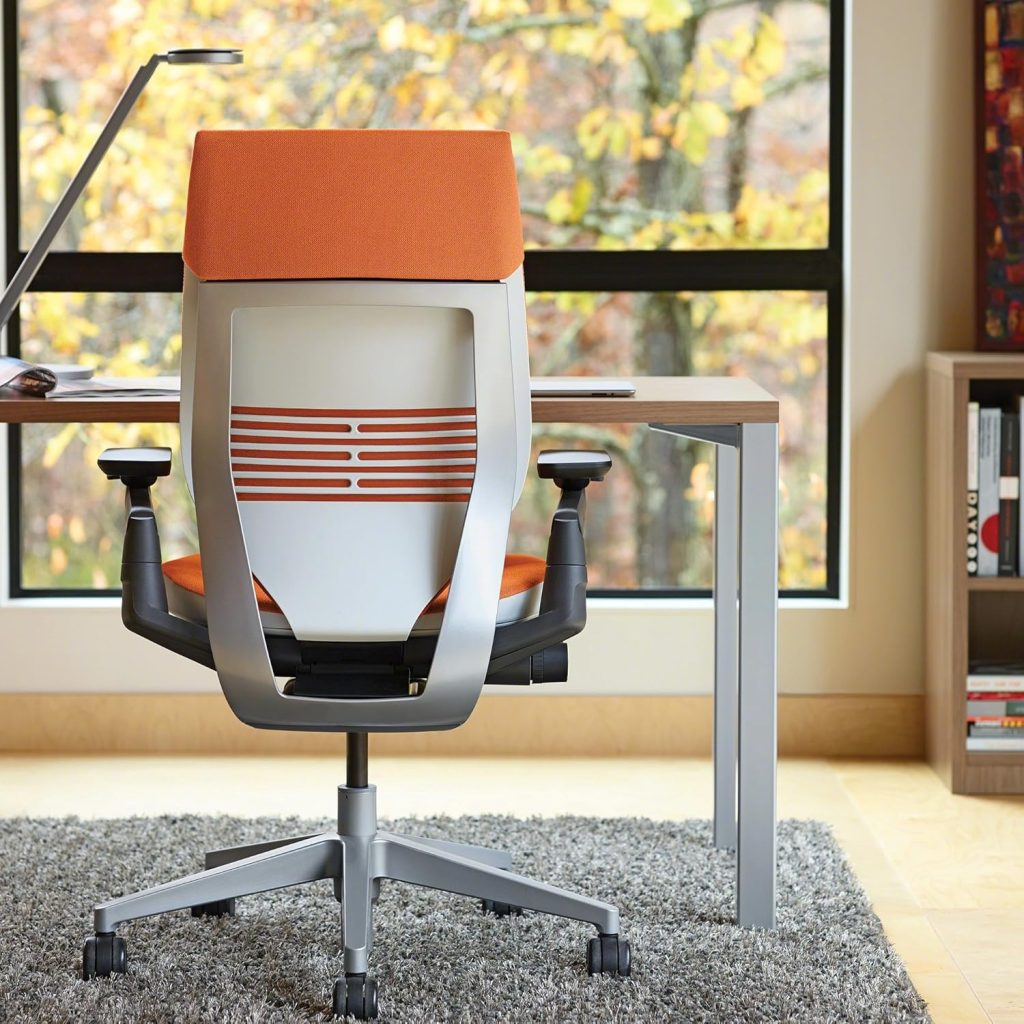
Finding the best office chair for lower back and hip pain is less about choosing the most expensive chair and more about finding the right combination of lumbar support, seat depth, seat height, cushioning, adjustability, and recline.
This guide compares several commonly considered ergonomic office chairs and explains which features matter most when your lower back and hips become uncomfortable during long periods of desk work.
Looking for more chair guides related to back discomfort?
Visit our
Office Chairs for Back Pain Hub
for guides covering lower back pain, upper back pain, sciatica, herniated discs, neck and back pain, and coccyx-related seating.
Important: An office chair cannot diagnose or treat the underlying cause of back or hip pain. If pain is severe, persistent, worsening, or associated with other concerning symptoms, consider discussing it with a qualified healthcare professional. The information here focuses on chair fit, ergonomics, and everyday sitting comfort.
Quick Picks: Chairs to Consider
The following chairs represent different approaches to ergonomic seating. The right choice depends on your body dimensions, desk setup, preferred cushioning, and the type of adjustment you need.
| Chair | Why Consider It | Best For |
|---|---|---|
| Steelcase Leap | Highly adjustable ergonomic design | Users wanting extensive adjustment |
| Herman Miller Aeron | Mesh suspension and ergonomic adjustment | Users who prefer breathable seating |
| SIHOO Doro C300 | Adjustable ergonomic features at a lower price tier | Value-focused buyers |
| HON Ignition 2.0 | Adjustable office-chair configuration | Everyday office use |
| Clatina Mellet | Compact ergonomic-style design | Users looking for a simpler option |


Steelcase Leap
The Steelcase Leap is designed around extensive ergonomic adjustment. Its adjustable seat and back-related controls make it worth considering for users who need more control over their sitting position.
- Multiple ergonomic adjustments
- Adjustable seat position
- Useful for personalized workstation setup

Herman Miller Aeron
The Aeron uses a mesh suspension seat and back rather than traditional thick foam cushioning. Its ergonomic configuration can be useful for people who prefer a firmer, breathable seating surface.
- Breathable suspension material
- Multiple adjustment options depending on configuration
- Available in different sizes

SIHOO Doro C300
The SIHOO Doro C300 is aimed at buyers who want a more adjustable ergonomic chair without moving immediately into premium office-chair pricing. Its design emphasizes adjustable support and recline.
- Adjustable ergonomic features
- Recline functionality
- A value-oriented alternative to premium chairs

HON Ignition 2.0
The HON Ignition 2.0 is a conventional office chair with ergonomic adjustment features. It can be considered by shoppers who want a practical desk chair without the design or price of premium ergonomic models.
- Adjustable office-chair configuration
- Suitable for general desk work
- More traditional office-chair design

Clatina Mellet
The Clatina Mellet is a more compact ergonomic-style office chair. It may appeal to users who prefer a simpler chair design and do not need the extensive adjustment range found on some premium models.
- Compact office-chair design
- Useful for smaller workspaces
- Simpler alternative to highly adjustable chairs
What Matters Most When Choosing an Office Chair for Lower Back and Hip Pain?
When shopping for an office chair for lower back and hip discomfort, focus on how the chair fits your body rather than simply looking for the word “ergonomic” in the product description.
1. Lumbar Support
Look for lumbar support that can be adjusted or positioned comfortably against your lower back.
2. Seat Depth
A seat that is too deep can make it harder to maintain a comfortable position. Your thighs should have support without forcing you away from the backrest.
3. Seat Height
Your feet should be supported by the floor or an appropriate footrest while your knees remain in a comfortable position.
4. Cushioning
Consider whether you prefer a softer padded seat or a firmer suspension-style seat. Cushioning preference varies significantly between users.
5. Recline
A chair that allows you to recline can provide another sitting position during long work sessions.
6. Armrest Position
Adjustable armrests can help you position your arms comfortably without forcing your shoulders upward or outward.
How Lumbar Support Can Affect Sitting Comfort
Lumbar support is one of the most discussed features when choosing an ergonomic office chair. The goal is not necessarily to use the strongest possible support. Instead, the support should fit the natural shape and position of your lower back without forcing you into an uncomfortable posture.
If the lumbar area feels too aggressive, poorly positioned, or difficult to adjust, a chair marketed as ergonomic may still feel uncomfortable. This is why adjustability and personal fit matter.
What About Hip Discomfort?
Hip discomfort can be influenced by several aspects of a workstation, including seat width, seat depth, cushion firmness, seat height, and how long you remain in one position.
A chair with appropriate dimensions can make it easier to maintain a comfortable position. However, there is no single seat design that works equally well for every body shape.
Check These Measurements
- Seat width
- Seat depth
- Seat height range
- Backrest position
- Armrest spacing and adjustment
Steelcase Leap vs. Herman Miller Aeron vs. SIHOO Doro C300
| Feature | Steelcase Leap | Aeron | SIHOO Doro C300 |
|---|---|---|---|
| Seat style | Padded | Mesh suspension | Ergonomic padded/mesh-style configuration depending on model |
| Adjustability | Extensive | Extensive depending on configuration | Multiple ergonomic adjustments |
| Breathability | Moderate | High | Model dependent |
| Fit importance | High | High | High |
| Typical buyer | Adjustment-focused user | Mesh-chair buyer | Value-focused ergonomic buyer |
If You Are Shorter, Pay Extra Attention to Seat Depth
Shorter users can have difficulty with chairs that have a seat depth or seat height that is too large. If the seat extends too far forward, it may be harder to sit comfortably against the backrest while keeping your feet properly supported.
If this applies to you, see our dedicated guide:
Best Office Chairs for Short People
.
For Long Hours of Desk Work
If you spend many hours at a desk, chair adjustment alone is not the complete solution. Your monitor height, keyboard position, desk height, foot support, and movement habits also affect your overall workstation setup.
For more options, see:
Best Office Chairs for Long Hours Under $500
.
How to Set Up Your Chair
- Adjust the seat height so your feet are supported.
- Set the seat depth so your legs are supported without the front edge pressing uncomfortably behind your knees.
- Position the lumbar support so it feels supportive rather than intrusive.
- Adjust the armrests so your arms can rest comfortably while your shoulders remain relaxed.
- Set the recline tension and backrest position according to your preferred working posture.
- Change positions periodically instead of remaining in exactly the same posture throughout the entire workday.
Office Chair Buying Checklist
| What to Check | Why It Matters |
|---|---|
| Seat depth | Helps determine how comfortably you can use the backrest. |
| Seat height | Affects foot support and lower-body positioning. |
| Lumbar adjustment | Allows you to position lower-back support more precisely. |
| Seat cushioning | Determines how the chair feels during extended sitting. |
| Recline | Provides an alternative position during desk work. |
| Return policy | Useful because chair comfort is highly individual. |
Frequently Asked Questions
What is the best office chair for lower back and hip pain?
There is no single chair that works best for every person. Look for a chair that fits your body dimensions and provides suitable seat depth, lumbar support, seat height, cushioning, and recline adjustment.
Is a firm or soft office chair better for hip discomfort?
Neither is universally better. Cushion firmness is highly personal, and the correct choice depends on your body shape, sitting habits, and how the seat feels after extended use.
Can an ergonomic chair help with lower back discomfort?
A properly fitted chair may improve sitting comfort and make it easier to maintain a comfortable working position. It should not be considered a treatment for an underlying medical condition.
Is the Herman Miller Aeron good for long periods of sitting?
The Aeron is designed as an ergonomic office chair with a suspension seat and multiple adjustment options depending on configuration. Whether it is comfortable for long sessions depends on the user’s size, preferred seat feel, and setup.
Should I choose a chair specifically for hip pain?
Rather than focusing only on a “hip pain” label, compare seat width, depth, height, cushioning, and adjustability. These characteristics are generally more useful when determining whether a chair fits your body.
Explore More Back Pain Chair Guides
This article is part of the SitBetterLab back-pain chair content cluster. Continue with the guides that match your specific seating needs:
Final Buying Advice
The best office chair for lower back and hip pain is ultimately the one that fits your body and allows you to maintain a comfortable working position. Start with seat dimensions, lumbar support, height adjustment, cushioning, and recline rather than choosing a chair solely because it is marketed as “ergonomic.”
If your primary concern is broader back discomfort, continue to our
Office Chairs for Back Pain Hub
to compare more specialized guides.
Disclosure: SitBetterLab may earn a commission when you purchase through qualifying affiliate links. Prices and availability can change. Product specifications and configurations may vary by seller or model year, so check the current product listing before purchasing.