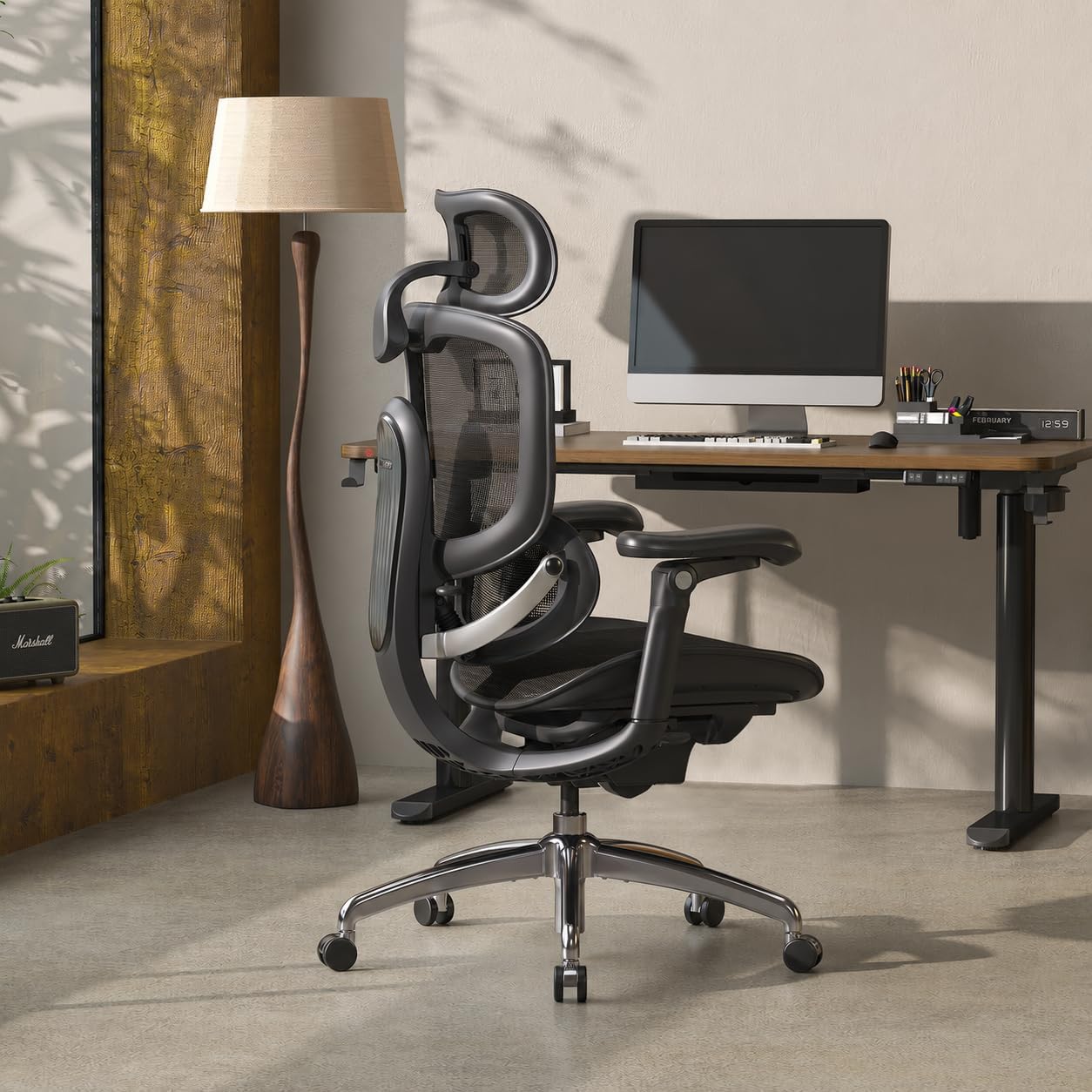
Executive Chair Buying Guide
Compare five executive-style and ergonomic office chairs with adjustable lumbar support, including lumbar adjustment, seat depth, recline, weight capacity, and everyday office fit.
A high-back executive office chair can look substantial and comfortable, but the shape of the backrest alone does not tell you how well the chair will support your lower back.
For users who spend several hours at a desk, adjustable lumbar support can make a chair easier to configure around individual body proportions. The important distinction is whether the lumbar section can actually be repositioned rather than simply having a fixed cushion or molded curve.
This guide focuses on chairs that offer a meaningful form of lumbar adjustment. Because modern ergonomic office chairs increasingly overlap with executive-style seating, several of the products below have a more ergonomic appearance rather than the traditional padded leather executive-chair design.
Quick Answer
The five chairs in this guide take different approaches to adjustable lumbar support. The HBADA E3 Pro uses a 3-zone adaptive lumbar system, the SIHOO Doro C300 Pro V2 uses dynamic sacral-lumbar support, and the FlexiSpot C7 combines dynamic lumbar adjustment with seat-depth adjustment. The NOUHAUS Ergo3D provides 3D adjustable lumbar support, while the Branch Ergonomic Chair Pro uses a two-way adjustable lumbar cushion.
When comparing them, don’t look at lumbar support in isolation. Seat depth, seat height, recline, armrest adjustment, backrest height, and weight capacity can all affect how well a chair fits.
What Does Adjustable Lumbar Support Actually Mean?
Many office-chair listings use the phrase “lumbar support,” but that does not necessarily mean the lumbar section is adjustable.
| Type | Description | Adjustment |
|---|---|---|
| Fixed lumbar | A shaped backrest or built-in cushion provides lumbar contour. | None or minimal |
| Height-adjustable | The lumbar section can move vertically. | Vertical |
| Depth-adjustable | The support can move closer to or farther from the user. | Front-to-back |
| Multi-directional | The lumbar system provides multiple positioning or dynamic-support adjustments. | Multiple directions |
| Dynamic lumbar | The lumbar system responds as the user changes position. | Movement-based |
If adjustable lumbar support is a priority, look for the manufacturer’s specific description of what moves and how it moves. A product page saying only “ergonomic lumbar support” does not necessarily tell you whether the support can be repositioned.
5 Executive-Style Office Chairs with Adjustable Lumbar Support
These five chairs represent different approaches to lumbar adjustment and ergonomic fit. Some have a more traditional office appearance, while others are clearly designed as ergonomic task chairs.
| Chair | Lumbar System | Recline | Capacity / Fit | Positioning |
|---|---|---|---|---|
| HBADA E3 Pro 2026 | 3-Zone Adaptive Lumbar | Up to 140° | 330 lb; 5’1″–6’5″ listed range | Multi-zone adjustment |
| SIHOO Doro C300 Pro V2 | Domino Sacral-Lumbar 2.0 / dynamic support | 105° / 120° / 135° | 330 lb | Dynamic lumbar support |
| FlexiSpot C7 | Self-Adaptive Dynamic Lumbar | 90°–130° | Up to 350 lb depending on configuration | Lumbar + seat-depth adjustment |
| NOUHAUS Ergo3D | 3D Adjustable Lumbar | Up to 135° | 330 lb | 3D lumbar adjustment |
| Branch Ergonomic Chair Pro | Two-way adjustable lumbar cushion | Adjustable recline | Standard / tall-cylinder options | Office-focused ergonomic setup |
Specifications, product configurations, prices, and availability can change. Verify the exact model and current listing before purchasing.
1. HBADA E3 Pro 2026 Edition
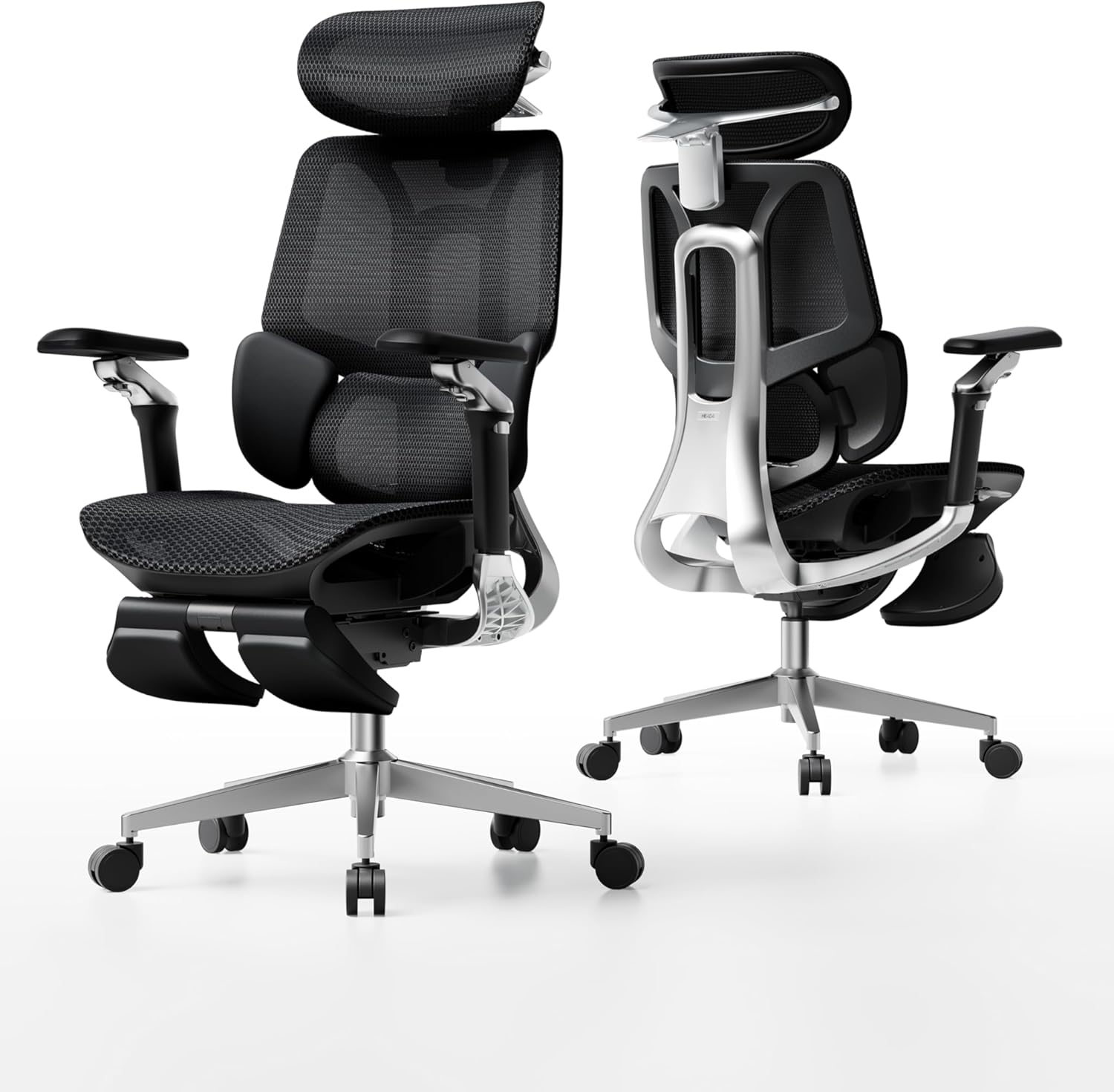
The HBADA E3 Pro is the most directly aligned product in this guide for shoppers specifically searching for multi-zone adjustable lumbar support. Its 2026 configuration uses a 3-zone adaptive lumbar system rather than relying only on a fixed lumbar curve.
The chair is listed with a 330 lb capacity and a 5’1″–6’5″ user-height range. It also includes adjustable seat depth and a maximum recline of 140°, giving users additional ways to configure the seating position.
| Lumbar | 3-Zone Adaptive Lumbar Support |
|---|---|
| Weight Capacity | 330 lb |
| Listed User Height | 5’1″–6’5″ |
| Recline | Up to 140° |
| Seat | Adjustable seat depth |
The combination of 3-zone lumbar support, seat-depth adjustment, and multiple ergonomic adjustment points makes it a strong match for the main topic of this guide.
2. SIHOO Doro C300 Pro V2
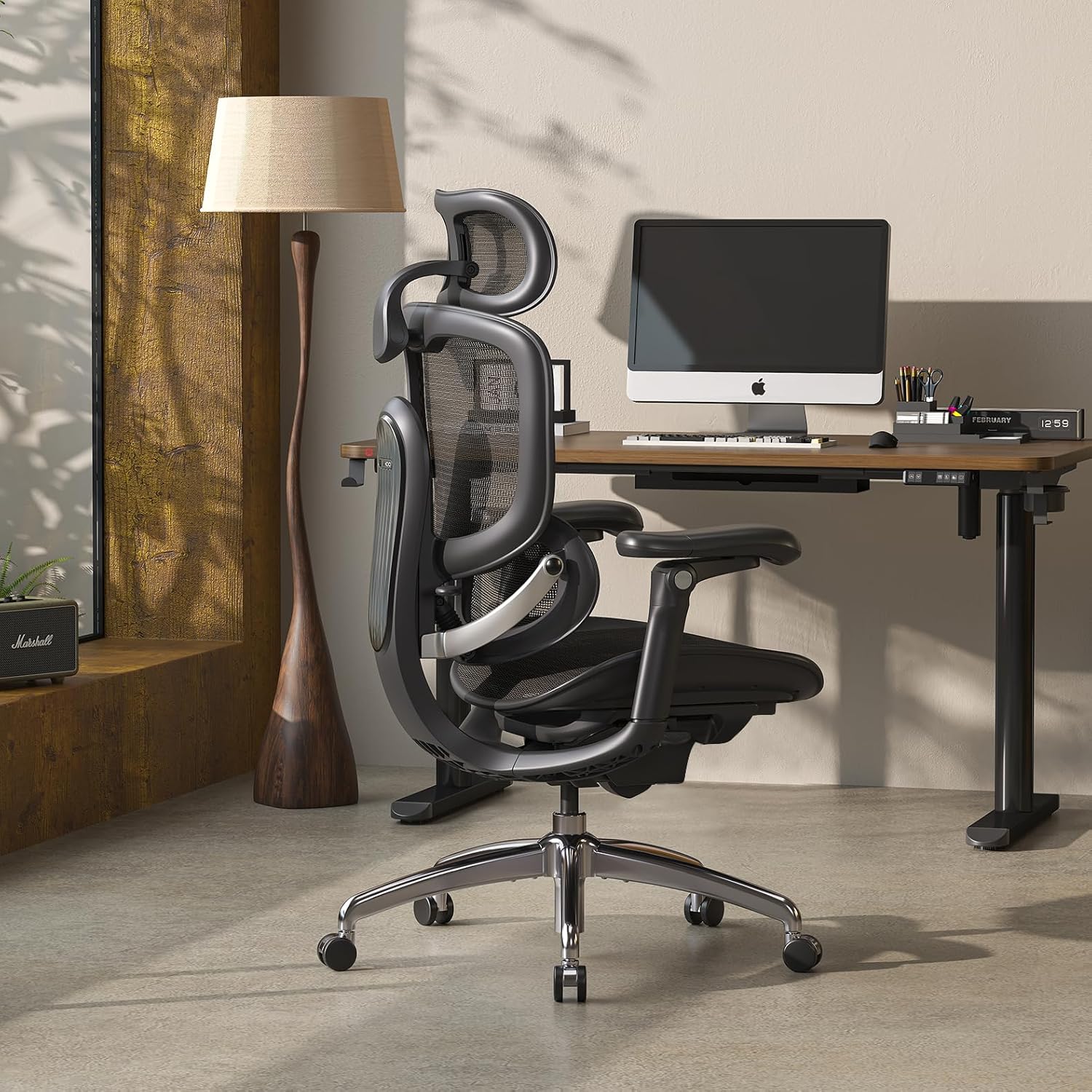
The SIHOO Doro C300 Pro V2 takes a dynamic approach to lower-back and sacral support. Instead of treating lumbar support as a simple fixed cushion, its Domino Sacral-Lumbar 2.0 system is designed around dynamic support as the user changes position.
The current V2 specification lists a 330 lb maximum load, 16.9–18.5-inch seat-depth range, 20.5-inch seat width, and three recline positions at 105°, 120°, and 135°.
| Lumbar | Domino Sacral-Lumbar 2.0 / dynamic support |
|---|---|
| Weight Capacity | 330 lb |
| Seat Depth | 16.9–18.5 in |
| Seat Width | 20.5 in |
| Recline | 105° / 120° / 135° |
A good fit for users interested in dynamic sacral-lumbar support and a broad range of seat-depth and recline adjustment.
3. FlexiSpot C7 Ergonomic Chair
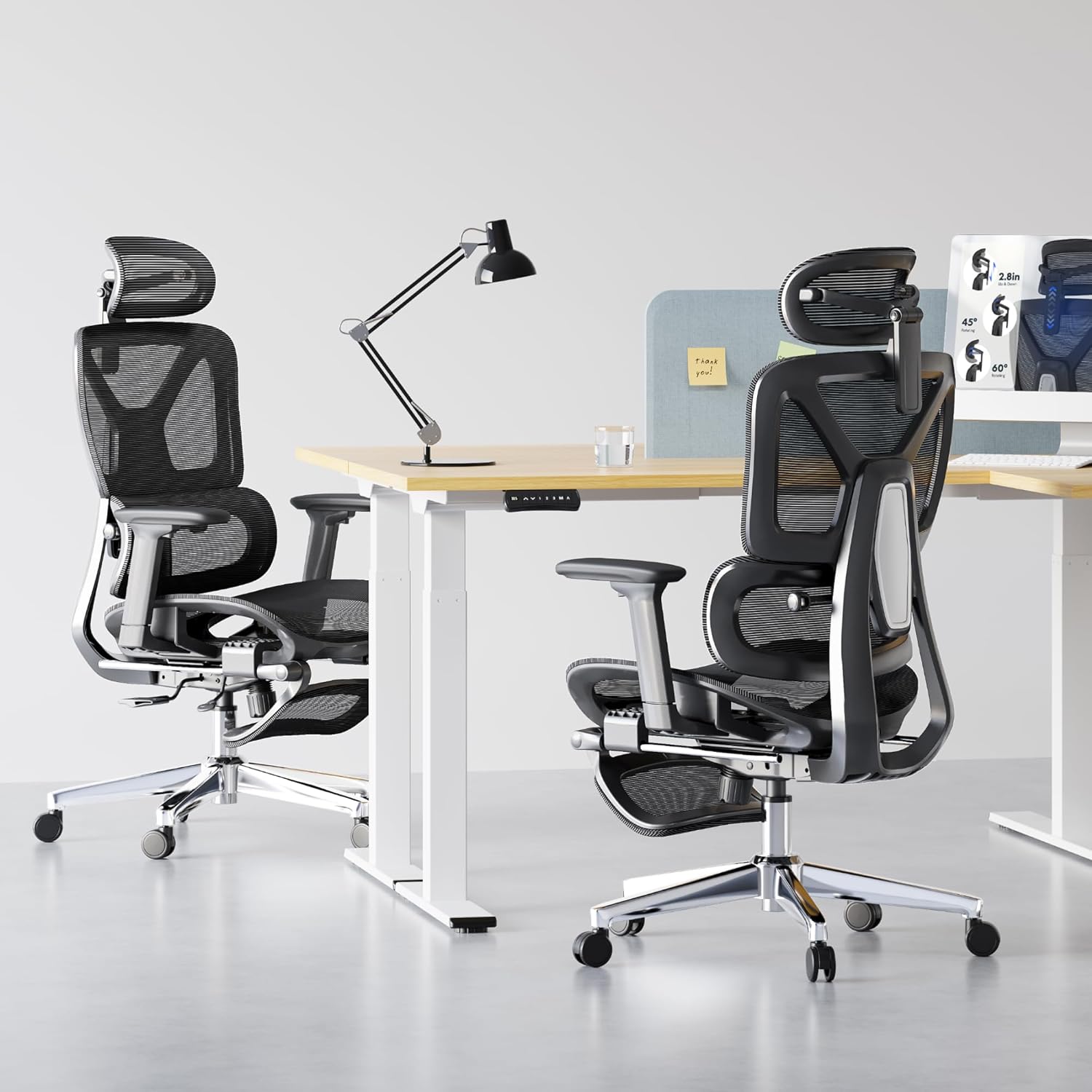
The FlexiSpot C7 combines an adaptive lumbar system with seat-depth adjustment, making it relevant for users who want to configure both the lower-back support and the position of the seat.
The C7 is offered in different configurations, so its published maximum capacity can vary. Current specifications list up to 350 lb depending on the configuration. The chair also provides a 90°–130° recline range.
| Lumbar | Self-Adaptive Dynamic Lumbar |
|---|---|
| Maximum Capacity | Up to 350 lb, depending on configuration |
| Recline | 90°–130° |
| Seat | Adjustable seat depth |
| Armrests | 3D adjustable |
The C7 is particularly interesting for users who want lumbar adjustment and seat-depth adjustment together rather than treating lumbar support as a standalone feature.
4. NOUHAUS Ergo3D
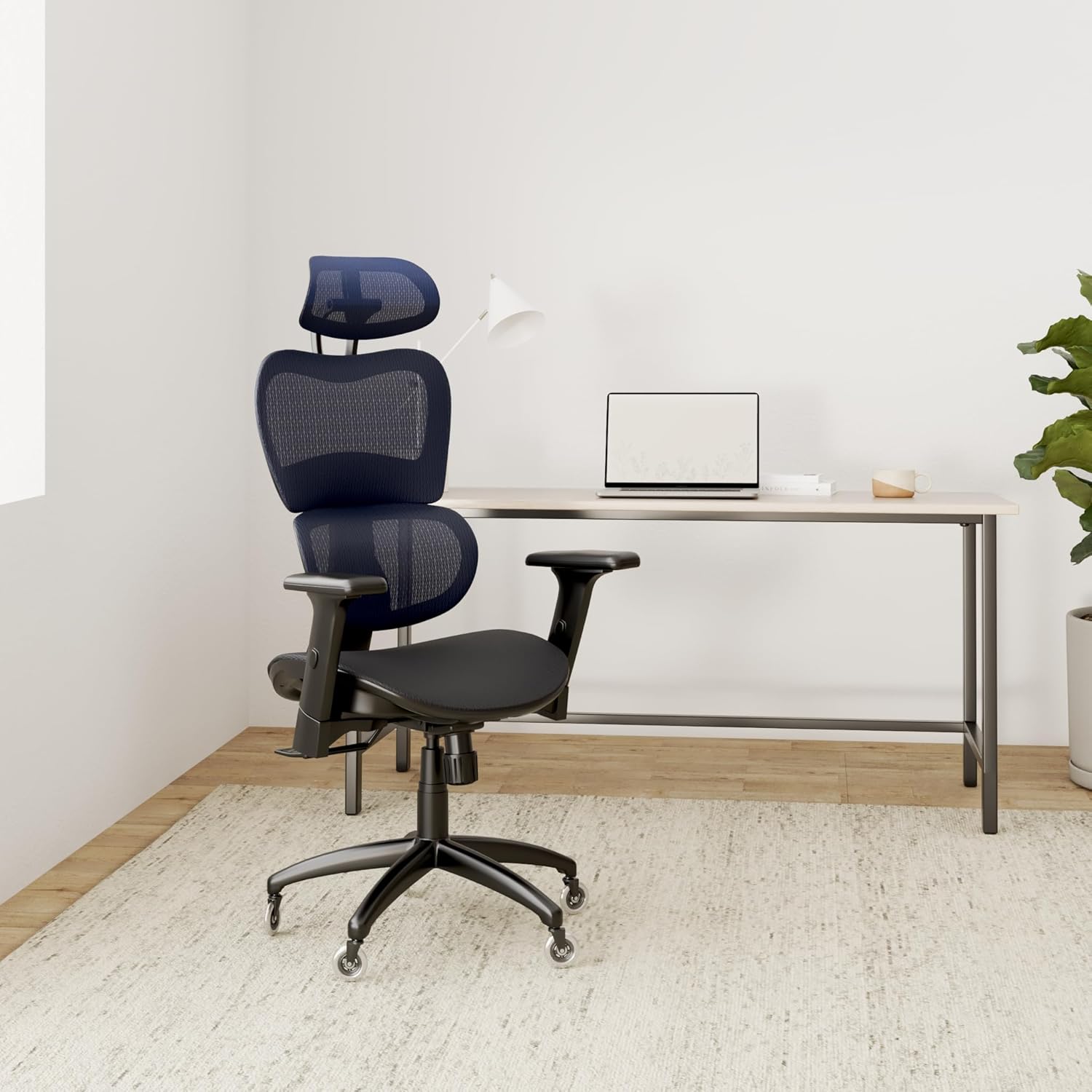
The NOUHAUS Ergo3D uses a 3D adjustable lumbar support system and a breathable mesh design. It is more clearly an ergonomic task chair than a traditional executive chair, but it belongs in this comparison because adjustable lumbar support is one of its central features.
The published specifications include a 330 lb capacity, up to 135° recline, and 4D adjustable armrests.
| Lumbar | 3D Adjustable Lumbar Support |
|---|---|
| Weight Capacity | 330 lb |
| Recline | Up to 135° |
| Armrests | 4D adjustable |
| Backrest | Mesh ergonomic design |
A useful alternative for users who prioritize adjustable lumbar support and breathable ergonomic seating over traditional executive-chair styling.
5. Branch Ergonomic Chair Pro
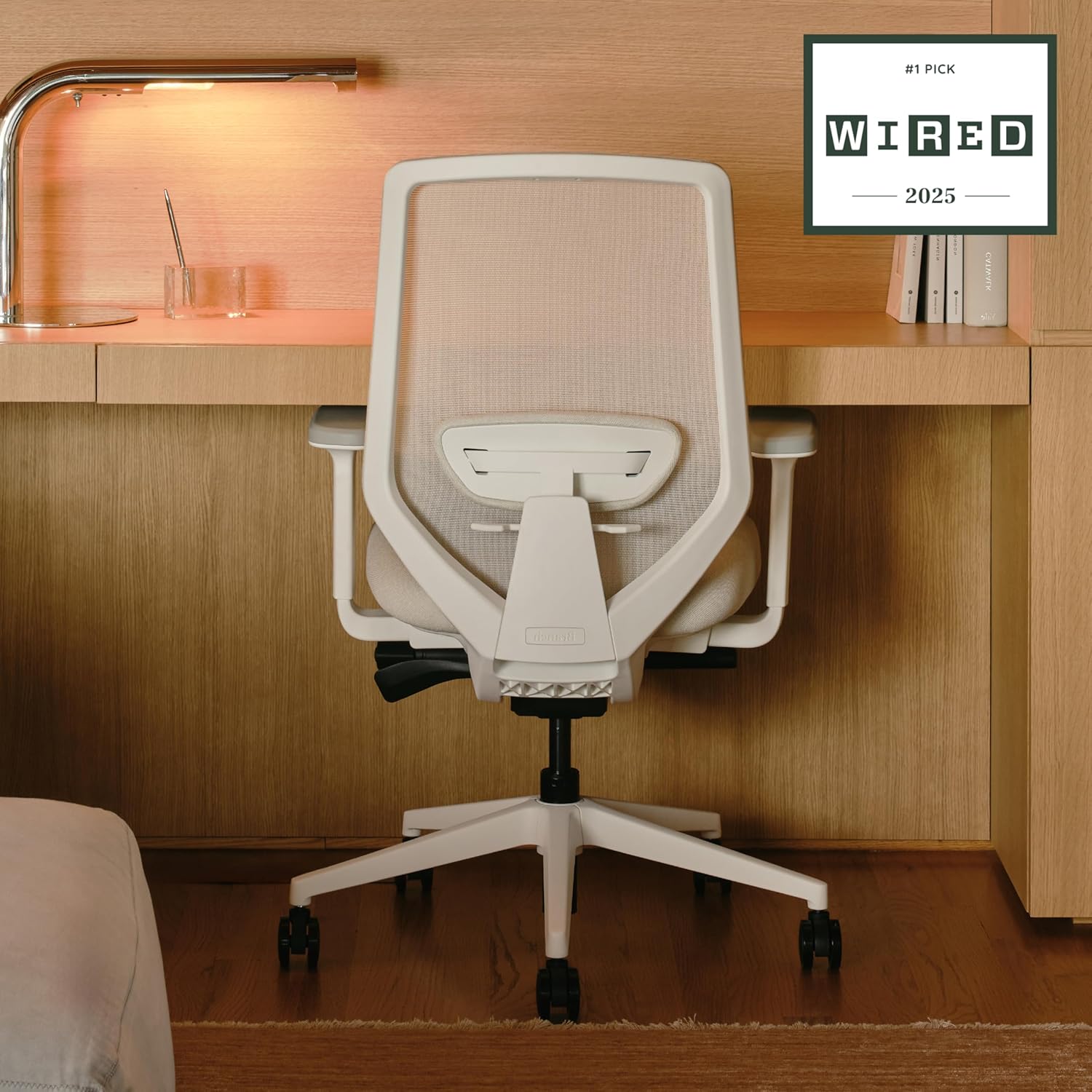
The Branch Ergonomic Chair Pro is a more office-oriented option in this group. Instead of using a large external lumbar cushion, the chair uses a two-way adjustable lumbar cushion integrated into its ergonomic design.
It also provides 5D armrests, seat-depth adjustment, forward tilt, recline adjustment, and different cylinder options. That combination makes it relevant for a more traditional professional workspace where ergonomic adjustability matters as much as appearance.
| Lumbar | Two-way adjustable lumbar cushion |
|---|---|
| Armrests | 5D adjustable |
| Seat | Adjustable seat depth |
| Cylinder | Standard and tall options |
| Warranty | 7 years |
A strong direction for shoppers who want a professional office appearance together with a two-way adjustable lumbar system and extensive armrest adjustment.
How to Choose an Executive Office Chair with Adjustable Lumbar Support
Adjustable lumbar support is only useful when the rest of the chair fits your body. Use the following factors when comparing models.
1. Lumbar Position
Find out whether the lumbar section adjusts vertically, horizontally, dynamically, or through multiple directions.
2. Seat Depth
The relationship between seat depth and your leg length affects how close you sit to the backrest and lumbar support.
3. Seat Height
Your feet should be comfortably supported when the chair is adjusted to your normal working position.
4. Recline
Look at both the maximum recline and how the lumbar system behaves as you move away from upright.
5. Armrests
Adjustable armrests can help keep the shoulders relaxed while the lumbar support handles lower-back positioning.
6. Weight Capacity
Compare the published capacity with your body weight and also consider seat width, seat depth, and overall dimensions.
Adjustable Lumbar Support: What to Compare
| Adjustment Type | What It Changes | Why It Matters |
|---|---|---|
| Height | Vertical lumbar position | Helps align the support with different torso lengths |
| Depth | How far the lumbar support projects | Changes contact and support intensity |
| Seat depth | Distance between seat edge and backrest | Helps position the user relative to the lumbar system |
| Dynamic movement | Support changes with movement | Useful for users who frequently change posture |
| Recline synchronization | Relationship between backrest and lumbar movement | Can affect support when reclining |
Executive Chair vs. Ergonomic Office Chair
The term “executive chair” traditionally suggests a high-back chair with substantial cushioning and a more formal appearance. Many modern ergonomic chairs take a different approach, using mesh backs and extensive adjustment mechanisms.
For shoppers focused on adjustable lumbar support, the distinction can be less important than the actual specifications. A chair with a conventional executive appearance is not automatically more supportive than a task chair with a well-designed adjustable lumbar system.
| Feature | Traditional Executive Chair | Ergonomic Executive-Style Chair |
|---|---|---|
| Appearance | Formal / substantial | Professional with ergonomic design |
| Lumbar | May be fixed | Often more adjustable |
| Seat depth | Often fixed | May be adjustable |
| Armrests | Basic adjustment | Multiple adjustment directions more common |
| Primary Focus | Appearance and cushioning | Fit and adjustability |
Adjustable Lumbar Support and Lower-Back Comfort
Adjustable lumbar support should be considered one component of a complete seating setup. A chair may have a sophisticated lumbar mechanism but still feel uncomfortable if the seat is too deep, the seat height is inappropriate, or the backrest does not match your preferred working position.
If your search is specifically related to lower-back problems, you can also read our dedicated guide:
Best Office Chair for Lower Back Pain.
An office chair should not be considered a medical treatment. If you have persistent or significant back pain, consider discussing your symptoms with a qualified healthcare professional.
What Big & Tall Users Should Check
For larger users, adjustable lumbar support is only one part of the fit equation. The chair should also provide adequate seat width, seat depth, backrest dimensions, and published weight capacity.
Weight Capacity
Check the manufacturer’s published maximum capacity.
Seat Width
A wider seat can provide more usable seating space.
Seat Depth
Make sure the seat can support your thighs without forcing you away from the backrest.
Backrest Height
A taller user may need a backrest that provides adequate upper-back coverage.
For a more focused comparison, see:
Best Executive Office Chairs for Big and Tall Users.
Adjustable Lumbar Chair Buying Checklist
☐ Confirm the lumbar mechanism
Identify exactly what can move and in which direction.
☐ Check seat depth
Compare the seat depth with your leg length and preferred sitting position.
☐ Check seat height
Make sure your feet can remain comfortably supported.
☐ Compare recline
Consider both upright work and reclining positions.
☐ Check armrest adjustment
Armrest position can affect shoulder and upper-body posture.
☐ Verify the exact model
Different versions can have different capacity and specification details.
Related Executive Chair Guides
Best Executive Office Chair with Footrest →
Best Executive Office Chairs for Big & Tall Users →
Frequently Asked Questions
What is the difference between lumbar support and adjustable lumbar support?
Lumbar support simply means that the chair provides support around the lower-back area. Adjustable lumbar support means the position, depth, pressure, or movement of that support can be changed.
Is a 3-zone lumbar system better than a single lumbar cushion?
The two designs work differently. A multi-zone system can provide more targeted support, but whether it feels better depends on the user’s body shape, sitting position, and adjustment preferences.
Why is seat depth important when choosing lumbar support?
Seat depth affects how far your body sits from the backrest. If the seat is too deep, you may sit farther forward or lose the intended relationship between your lower back and the lumbar support.
Are mesh chairs suitable for an executive office?
That depends on the desired appearance and work environment. Traditional executive chairs tend to emphasize a more formal appearance, while ergonomic mesh chairs usually emphasize adjustability and ventilation.
Which specifications should tall users check?
Pay particular attention to seat-height range, seat depth, backrest height, armrest height, and the manufacturer’s recommended user-height range.
Can adjustable lumbar support fix back pain?
No chair feature should be treated as a guaranteed solution for back pain. Adjustable lumbar support can help users configure the chair, but comfort and back health depend on many factors.
Final Takeaway
When shopping for an executive office chair with adjustable lumbar support, focus on the actual adjustment mechanism rather than the marketing phrase “ergonomic lumbar support.”
The HBADA E3 Pro uses a 3-zone adaptive lumbar system, the SIHOO Doro C300 Pro V2 focuses on dynamic sacral-lumbar support, and the FlexiSpot C7 combines adaptive lumbar adjustment with seat-depth adjustment. The NOUHAUS Ergo3D provides 3D adjustable lumbar support, while the Branch Ergonomic Chair Pro takes a more office-focused approach with a two-way adjustable lumbar cushion.
Your final choice should depend on how the lumbar mechanism interacts with seat depth, seat height, recline, armrests, and your body dimensions. Those factors are more useful for comparing chairs than the executive-chair label alone.
SitBetterLab may earn a commission when you purchase through qualifying Amazon links. This does not change the price you pay. Product specifications, prices, configurations, and availability may change, so verify the current product listing before purchasing.