
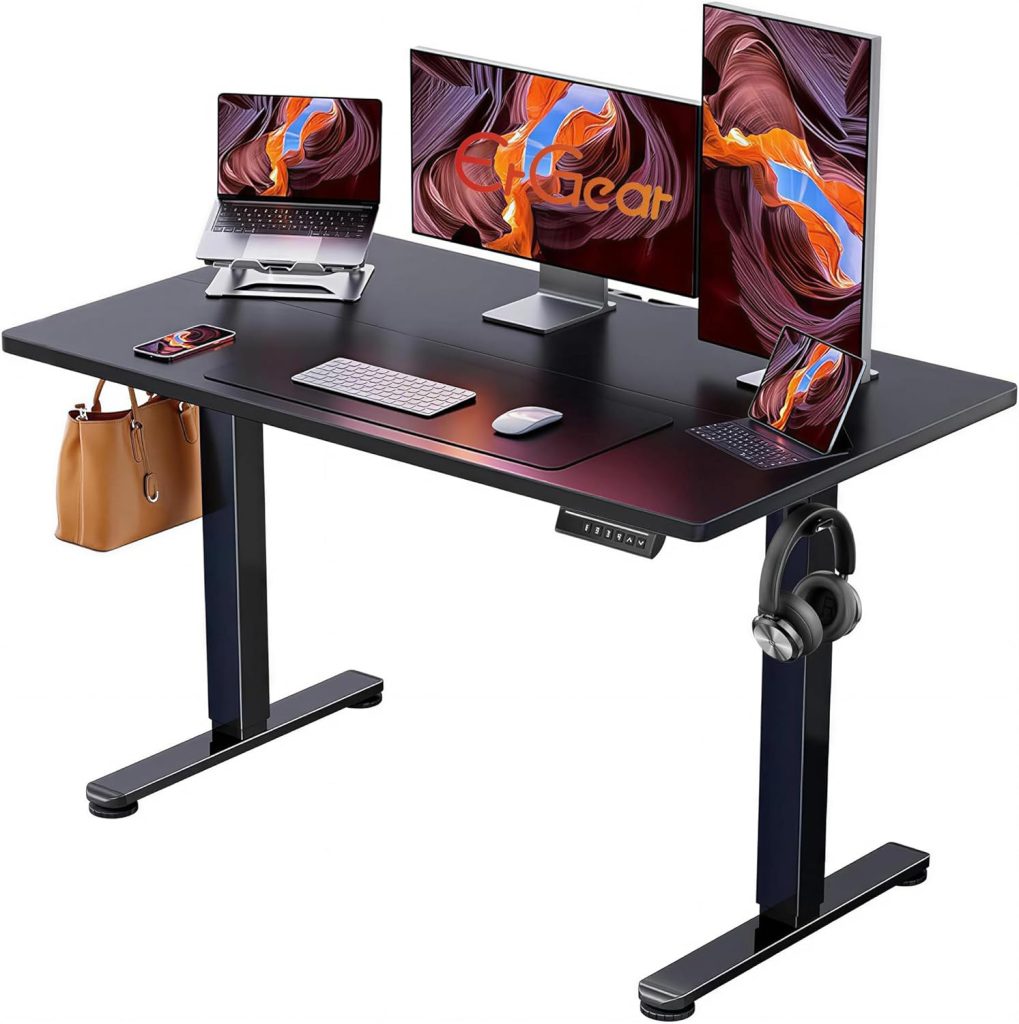
If you’re 5’3″, finding the right desk height for a 5’3 person is less about finding one perfect number and more about matching the desk to your seated elbow height, chair, keyboard, and monitor position.
A standard fixed desk is often around 28–30 inches high, which can feel too tall for shorter users. If you compensate by raising your chair, your feet may lose proper support. If you keep the chair low, your shoulders and wrists may have to reach upward to the work surface.
The good news is that the problem is usually easy to diagnose. Measure your working position, adjust the chair first, and then set the desk so your arms can work comfortably without shrugging your shoulders or bending your wrists.
Quick Answer
For many people who are 5’3″, a seated desk height around 23–25 inches can be a useful starting range, while standing work may fall roughly around 38–40 inches. However, body proportions vary, so your seated elbow height is more useful than height alone. If a fixed desk is too high, a keyboard tray, footrest, or adjustable desk can help create a better fit.
Editor’s note: This guide focuses on workstation fit and comfort rather than medical treatment. Individual dimensions vary, so use the measurements below as starting points and fine-tune them to your body and equipment.
What Is the Best Desk Height for a 5’3 Person?
For a 5’3″ person, a desk height of about 23–25 inches can be a reasonable starting point for seated computer work. Some users may prefer a little higher or lower depending on arm length, torso length, chair height, keyboard thickness, and whether they use a keyboard tray.
The most important measurement is not your overall height. It is the distance from the floor to your working elbow position while sitting in your actual chair.
| Setup | Useful Starting Range | What to Check |
|---|---|---|
| Seated desk | 23–25 inches | Relaxed shoulders, comfortable elbow position, neutral wrists |
| Standing desk | 38–40 inches | Elbows comfortably bent, shoulders relaxed, wrists neutral |
| Keyboard tray | Below desktop when needed | Enough thigh clearance and comfortable mouse position |
These are starting points rather than universal ergonomic standards. A 5’3″ person with relatively long arms may prefer a different height from someone of the same height with shorter arms. That is why measuring your actual working position is more reliable than buying a desk based only on height charts.
Why a Standard 28–30 Inch Desk Can Feel Too High for Short Users
Many fixed office desks fall somewhere around 28–30 inches high. That can work well for some users, but shorter people may find that the desktop sits above their most comfortable seated elbow position.
When the surface is too high, you may naturally compensate by lifting your shoulders, reaching upward with your forearms, or extending your wrists while typing. These adjustments can make the workstation feel uncomfortable during longer periods of computer use.
Another common solution is to raise the chair until the arms line up with the desk. That can improve arm position, but it may leave your feet unsupported if the chair becomes too high for your legs.
The goal is therefore not simply to make your elbows reach the desk. You want the chair, desk, feet, keyboard, mouse, and monitor to work together.
- Your feet should have stable support.
- Your shoulders should stay relaxed rather than elevated.
- Your elbows should remain comfortably close to your body.
- Your wrists should not need to bend sharply upward while typing.
- Your monitor should be positioned so you do not need to tilt your head upward.
How to Measure the Right Desk Height for a 5’3 Person
The easiest way to determine your ideal desk height is to measure your body in your normal working position. You do not need specialized equipment—just your usual chair, a tape measure, and the keyboard or laptop you normally use.
- Sit all the way back in your normal office chair.
- Place both feet flat on the floor or on a properly positioned footrest.
- Relax your shoulders instead of shrugging them upward.
- Bend your elbows comfortably, roughly around 90 degrees.
- Place your hands in the position you would normally use for typing.
- Measure from the floor to the approximate height of your working forearm or elbow.
- Use that measurement as the starting point for your desktop or keyboard surface.
Important: Measure the surface you actually type on. If your keyboard sits on a tray several inches below the desktop, the keyboard height matters more for arm position than the desktop height itself.
After setting the height, type for several minutes and pay attention to your shoulders, wrists, and forearms. If your shoulders feel like they are creeping upward, the work surface may still be too high. If you are reaching down or leaning forward, it may be too low.
Ergonomic Desk Setup Tips for a 5’3 Person
1. Adjust the Chair Before the Desk
Start with the chair because your seat height determines the relationship between your feet, thighs, arms, and desk. For many 5’3″ users, a relatively low chair setting may be more comfortable, but the correct setting depends on leg length rather than height alone.
Your feet should have stable support. If your chair needs to be raised because of a fixed-height desk, a properly sized footrest can provide a stable surface underneath your feet.
2. Keep the Keyboard Near Elbow Height
The keyboard is usually more important than the bare desktop surface when setting up a computer workstation. Your hands should reach the keyboard without your shoulders lifting or your wrists being forced upward.
If your existing desk is too tall, an under-desk keyboard tray can lower the typing surface without replacing the entire desk. This can be especially useful when the desktop is otherwise large enough for your workspace.
3. Position the Monitor Independently
A desk can have the correct keyboard height and still leave the monitor too high. Shorter users often benefit from a monitor stand or adjustable monitor arm that allows the screen to be positioned independently of the desktop.
As a general starting point, position the screen so you can look at it without repeatedly tilting your head upward. The exact position depends on screen size, viewing distance, prescription glasses, and whether you use one or multiple monitors.
4. Keep the Mouse Close to the Keyboard
A mouse positioned too far away can encourage repeated reaching. Keep it close enough that your upper arm can remain relatively close to your body while you work.
5. Check the Setup After Changing Chairs
A new chair can change your seated height by an inch or more. Whenever you replace your chair, recheck the keyboard, mouse, monitor, and foot support rather than assuming the previous desk height will still work.
What to Look for in an Adjustable Desk for Short People
If you’re shopping for a new desk, the most useful specification for a 5’3″ user is often the minimum desk height. A large maximum height is useful for tall users, but it does not help if the desk cannot lower enough for comfortable seated work.
- Low minimum height: Look for a model that can reach your measured seated working height rather than relying solely on your overall height.
- Stable frame: The desk should remain stable at its lowest and highest settings, especially when carrying a monitor and other equipment.
- Memory presets: Electric desks with programmable height buttons make switching between sitting and standing easier.
- Suitable desktop depth: A very deep desk can encourage you to place the monitor farther away and reach farther for accessories.
- Keyboard compatibility: If the desk is still too high for your arms, make sure an under-desk keyboard tray can be installed.
- Legroom: Check for crossbars, drawers, or other components that could interfere with your knees or foot placement.
| Feature | Why It Matters for a 5’3 User |
|---|---|
| Low minimum height | Makes it easier to match the desktop or keyboard to your seated elbow position. |
| Electric adjustment | Allows quick switching between sitting and standing without manual cranking. |
| Memory presets | Makes it easier to save your preferred seated and standing positions. |
| Keyboard tray support | Can lower the typing surface when the desktop itself cannot go low enough. |
| Stable frame | Reduces unwanted movement when typing or using a monitor at different heights. |
Best Desk Solutions for a 5’3 Person
There is no single desk type that works for every shorter user. The best solution depends on whether you are replacing your entire desk, keeping an existing desktop, or simply trying to lower your keyboard.
Adjustable Standing Desk
An electric standing desk can be a practical choice because the height can be customized rather than fixed. For a 5’3″ user, pay particular attention to the lowest advertised height. A desk that starts at 28 or 29 inches may still be too high for comfortable seated keyboard work.
Standing Desk Converter
A converter can be useful if you already own a desk. However, check the lowest keyboard position rather than only the converter’s maximum standing height. Some converters add several inches to an already-high desktop.
Under-Desk Keyboard Tray
If the desktop itself is comfortable for your monitor and workspace but too high for typing, a keyboard tray can be one of the simplest modifications. Look for a tray with enough downward travel, sufficient thigh clearance, and a comfortable mouse position.
Fixed Desk + Footrest
If replacing the desk is not practical, raising the chair to reach the desktop and adding a footrest can improve leg support. This does not lower the keyboard, however, so you should still check whether your shoulders and wrists remain comfortable.
How High Should a Standing Desk Be for Someone Who Is 5’3″?
A standing desk height around 38–40 inches can be a useful starting range for someone who is 5’3″, but standing desk height should also be adjusted according to arm length and keyboard position.
Stand naturally with your shoulders relaxed and elbows comfortably bent. Your keyboard should be positioned so you do not need to reach upward or extend your wrists while typing.
If you use a laptop, the screen creates a second challenge. Raising the laptop screen to a comfortable viewing height can make the keyboard too high. A separate keyboard and mouse can therefore be useful for a standing workstation.
Common Desk Height Mistakes Short Users Should Avoid
- Choosing a desk based only on height: Two people who are both 5’3″ can have different arm, torso, and leg proportions.
- Checking maximum height but ignoring minimum height: For shorter users, the lowest setting is often the more important specification.
- Raising the chair without supporting the feet: If your feet no longer rest comfortably, add an appropriately sized footrest.
- Focusing only on the desktop: The keyboard surface and monitor position also determine your working posture.
- Using a converter that adds height: Some converters are designed primarily for standing and may not solve a too-high seated setup.
- Keeping the same setup after changing equipment: A different chair, monitor, keyboard, or footwear can change the required desk height.
How to Fix a Desk That Is Too High for a 5’3 Person
If you already own a standard-height desk, you do not necessarily need to replace it. Start with the least expensive adjustment that solves the actual problem.
- Raise the chair slightly if your feet can still remain properly supported.
- Add a footrest if raising the chair leaves your feet without stable support.
- Install an under-desk keyboard tray if the typing surface remains too high.
- Use a monitor arm if the monitor position no longer works after adjusting the desk and chair.
- Consider an adjustable desk if you continue to struggle with the fixed height despite these changes.
If you are also choosing a new chair, look for models with a sufficiently low seat height and adjustable armrests. A chair designed for a broader range of body sizes can make it easier to build a workstation around your actual measurements.
If you’re dealing with discomfort around the tailbone or lower back, you may also want to review our guide to an office chair for coccyx pain and compare chair-fit considerations before changing your entire workstation.
FAQ: Desk Height for a 5’3 Person
What desk height is best for someone who is 5’3″?
For seated computer work, 23–25 inches can be a useful starting range for many 5’3″ users. Your actual seated elbow height is more important than your overall height, so measure your normal working position before choosing a fixed desk.
Can a 5’3 person use a standard 29-inch desk?
Yes. A 29-inch desk can still work if you can position the chair, keyboard, and feet comfortably. You may need a footrest, keyboard tray, or other adjustment if raising the chair to the desktop leaves your feet unsupported or the keyboard too high.
What standing desk height should a 5’3 person use?
Around 38–40 inches can be a useful starting point, but the correct standing height depends on your arm length and keyboard position. Adjust until your shoulders are relaxed and your wrists remain comfortable while typing.
Do I need a footrest if my desk is too high?
A footrest can help if you need to raise your chair to reach a fixed desk and your feet no longer have stable support. It does not, however, lower the keyboard or desktop, so you should also check your shoulder and wrist position.
What is the best adjustable desk for short people?
Rather than choosing a model based only on the phrase “for short people,” look for an adjustable desk whose minimum height reaches your measured seated working position. Electric models with memory presets can also make it easier to save separate sitting and standing heights.
Are standing desk converters suitable for 5’3 users?
They can be, but check the lowest keyboard position carefully. A converter placed on an already-high desk may still leave the keyboard too high for a shorter user. Models with independently adjustable keyboard platforms offer more flexibility.
Should a 5’3 person use a keyboard tray?
A keyboard tray can be useful when the desktop is too high but replacing the desk is not practical. It is especially helpful when the tray can move below the desktop and still leave enough room for your thighs and mouse hand.
Is 24 inches too low for a desk?
Not necessarily. A 24-inch desk can be comfortable for some shorter users, particularly when the chair and keyboard are adjusted appropriately. The correct height is the one that allows you to work with relaxed shoulders, comfortable elbows, and neutral wrists.
Bottom Line: Finding the Right Desk Height at 5’3″
For someone who is 5’3″, a desk around 23–25 inches can be a useful seated starting point, while roughly 38–40 inches may be a reasonable starting range for standing work. But these numbers should guide your setup, not replace measurement.
The most important step is to sit in your actual chair, keep your feet supported, relax your shoulders, position your elbows comfortably, and measure your working height. Then adjust the desk, keyboard, monitor, and footrest around that position.
If you are shopping for a new desk, prioritize a low minimum height, stable frame, adjustable keyboard position, and enough room for your monitor and accessories. For an existing desk, a keyboard tray and footrest can often solve much of the height mismatch without replacing the entire workstation.
Fit reminder: If a workstation causes persistent pain, numbness, weakness, or other concerning symptoms, consider discussing those symptoms with a qualified healthcare professional. Ergonomic adjustments can improve workstation fit but are not a substitute for medical evaluation.