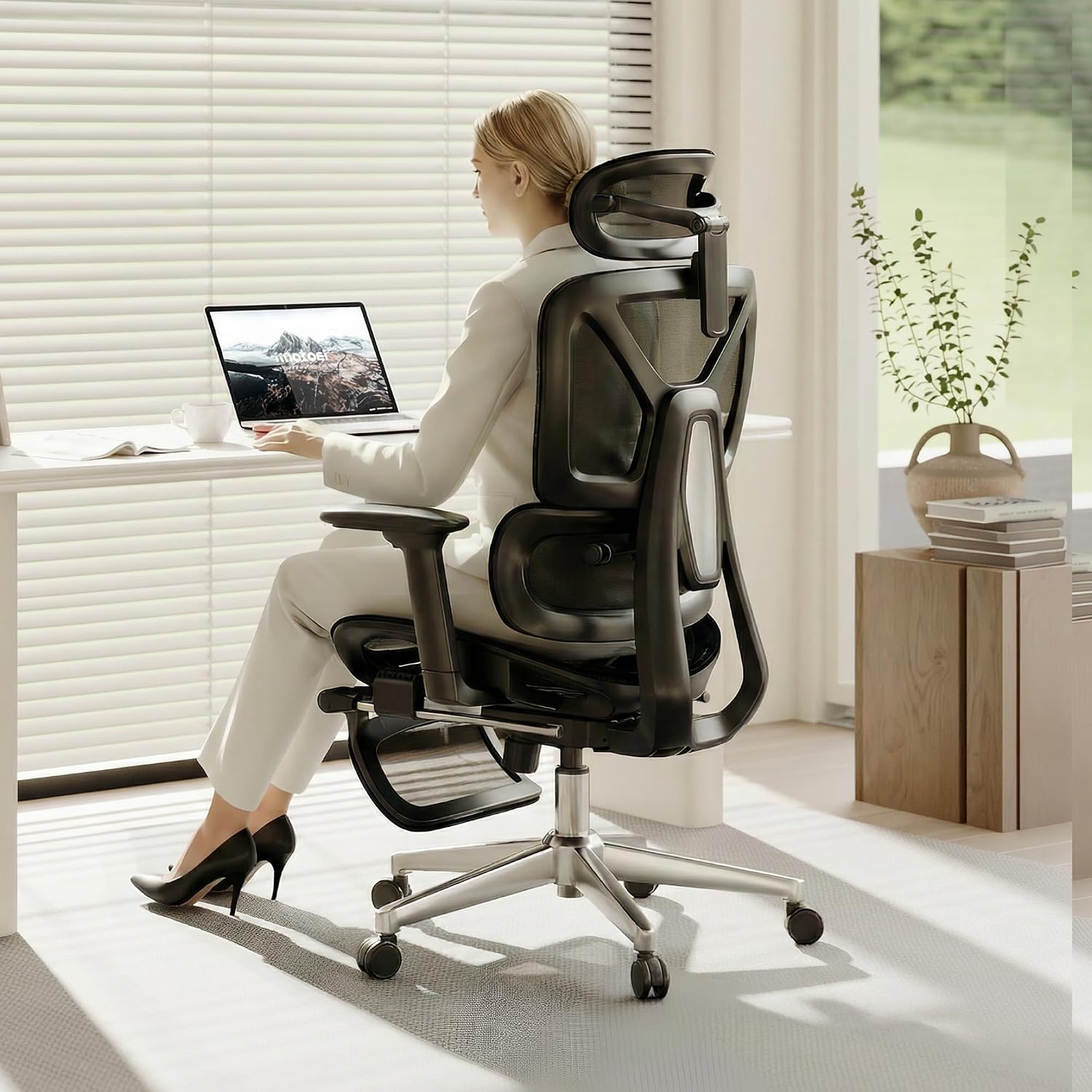
EXECUTIVE CHAIRS • LONG HOURS
The best executive office chair for long hours needs more than a tall backrest and thick padding. For an 8-hour workday, seat depth, lumbar support, armrest positioning, recline control, pressure distribution, and heat management can matter just as much as the chair’s executive appearance.
If you spend most of the workday at a desk, the right executive chair should remain supportive after several hours rather than simply feel soft during the first few minutes. Modern executive-style chairs increasingly combine a professional appearance with ergonomic adjustments normally associated with task chairs.
This guide compares five chairs that approach long-hour sitting differently: the Steelcase Leap, Herman Miller Embody, Branch Ergonomic Chair Pro, FlexiSpot C7, and SIHOO Doro C300 Pro V2. The goal is not to treat one chair as universally comfortable, but to show which features matter when you are choosing a chair for extended daily use.
Quick Answer
For long work sessions, prioritize a chair that lets you adjust the seat to your leg length, position lumbar support appropriately, keep your arms supported, and recline without losing back contact. Among the chairs compared here, the Steelcase Leap and Herman Miller Embody emphasize premium long-session ergonomics, while the Branch Ergonomic Chair Pro, FlexiSpot C7, and SIHOO Doro C300 Pro V2 offer different combinations of adjustability and price positioning.
What Makes an Executive Office Chair Suitable for Long Hours?
A chair designed for extended desk work should allow you to change your sitting position without losing essential support. This is particularly important because your posture is unlikely to remain identical throughout an entire workday.
| Feature | Why It Matters for Long Hours |
|---|---|
| Adjustable seat depth | Helps match the seat pan to your thigh length and avoid a seat that is excessively deep or shallow. |
| Lumbar support | Provides support around the lower-back area and can be more useful when its position or firmness can be adjusted. |
| Adjustable armrests | Help keep your elbows and forearms supported instead of leaving your shoulders suspended for hours. |
| Recline control | Allows you to change position during the workday rather than remaining in one fixed posture. |
| Breathable materials | Can be useful during long sessions, especially in warm rooms or when the chair is used continuously. |
| Durability and warranty | A chair used every workday accumulates considerably more use than a chair used for occasional home-office sessions. |
Best Executive Office Chairs for Long Hours Compared
The five models below use different ergonomic designs. Several are modern ergonomic task chairs rather than traditional leather executive chairs, but they are relevant to this category because they provide the adjustment range that long-hour users often need.
| Chair | Long-Hour Focus | Lumbar | Seat Depth | Recline | Capacity |
|---|---|---|---|---|---|
| Steelcase Leap | Premium all-day adjustability | Height + lower-back firmness | Adjustable | Multiple stop settings | 400 lb |
| Herman Miller Embody | Dynamic long-session support | BackFit | 15–18 in | Tilt-based | 300 lb |
| Branch Ergonomic Chair Pro | Adjustability + executive-style materials | Two-way | Adjustable | Smooth recline | Check selected configuration |
| FlexiSpot C7 | Adjustability and adaptive support | Self-adaptive dynamic | Adjustable | 90–130° on standard version | Up to 350 lb depending on version |
| SIHOO Doro C300 Pro V2 | Adaptive support for extended sitting | Domino 2.0 sacral-lumbar | 16.9–18.5 in | 105°, 120°, 135° | 330 lb |
1. Steelcase Leap
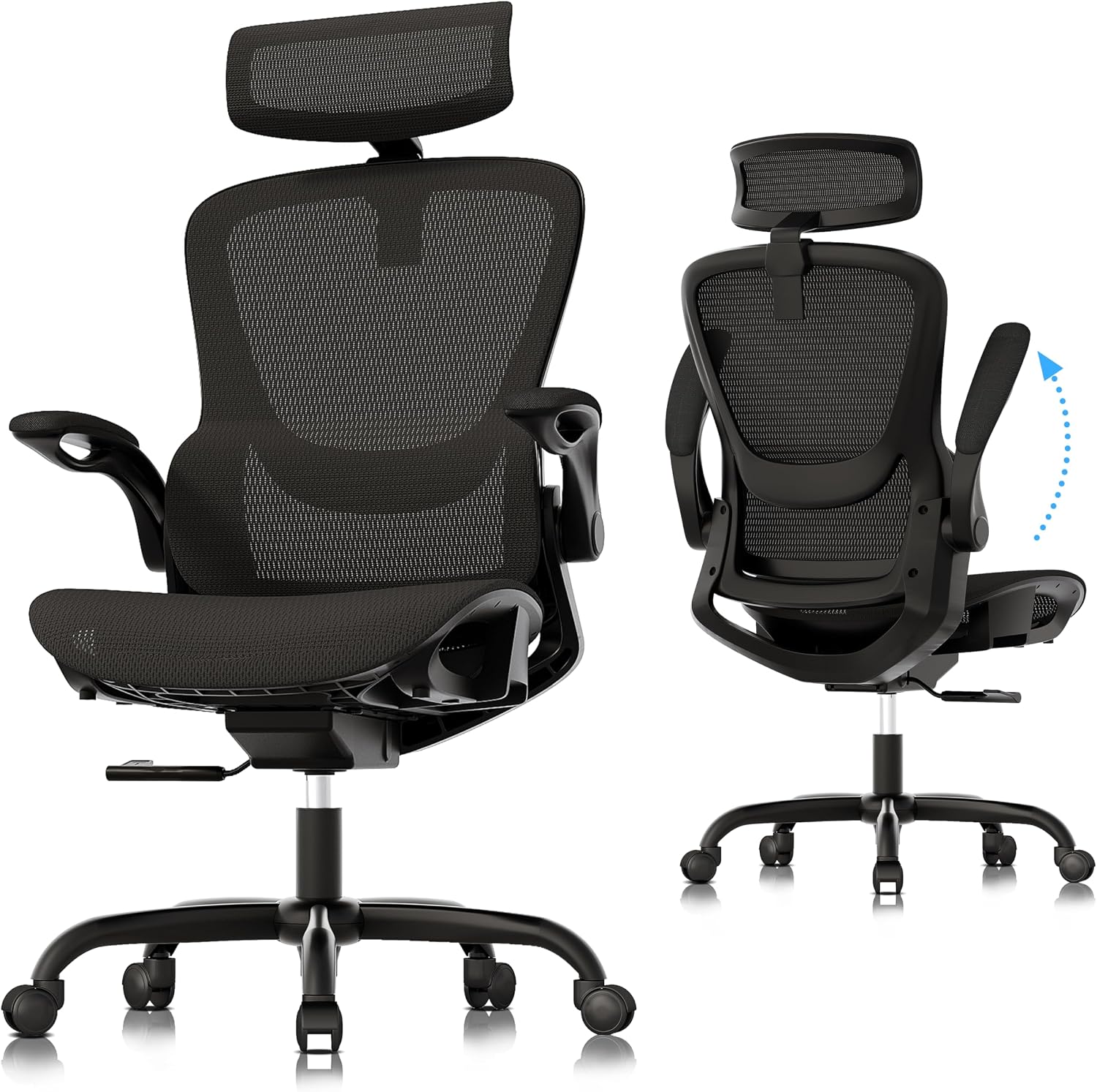
A highly adjustable option for full workdays
The Steelcase Leap is designed around active ergonomic support rather than a fixed executive-chair posture. Its LiveBack back support is designed to contour and adapt with spinal movement, while the chair provides adjustable lumbar support, lower-back firmness control, adjustable seat depth, and multiple recline settings.
Steelcase lists the Leap with a 400-pound weight capacity and a 12-year, multi-shift warranty. The chair is also available with different upholstery choices, including leather and vinyl, which can make some configurations more compatible with an executive-office environment.
| Feature | Steelcase Leap |
|---|---|
| Lumbar | Height adjustable + lower-back firmness control |
| Seat depth | Adjustable |
| Armrests | Available with 4D adjustment |
| Capacity | Up to 400 lb |
| Warranty | 12 years / multi-shift |
2. Herman Miller Embody
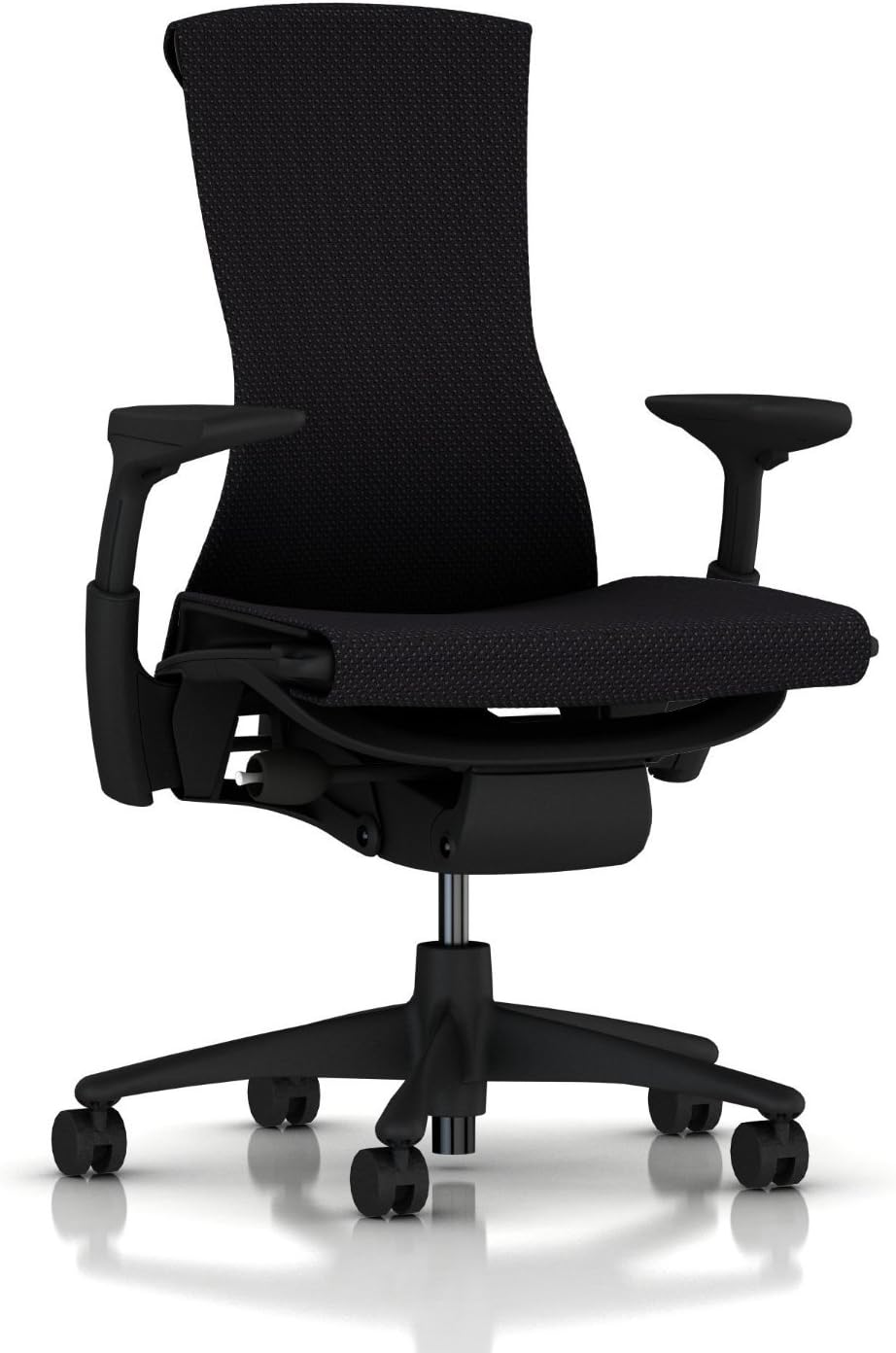
A premium choice built around movement and pressure distribution
The Herman Miller Embody takes a different approach to long-hour comfort. Its back uses a central spine and flexible ribs, while the BackFit adjustment lets users tune the backrest to their spinal curvature. The seat depth can also be adjusted from 15 to 18 inches.
Herman Miller describes the Embody’s Pixelated Support as a dynamic system that responds to small movements. The chair has a 300-pound weight capacity and a 12-year warranty according to the current manufacturer listing.
The Embody is not a traditional high-back leather executive chair. It is better understood as a premium ergonomic office chair that can work in a high-end executive workspace where long-session performance is more important than the conventional executive-chair silhouette.
| Feature | Herman Miller Embody |
|---|---|
| Back support | BackFit adjustment + dynamic support |
| Seat depth | 15–18 in |
| Seat height | 16–20.5 in |
| Capacity | 300 lb |
| Warranty | 12 years |
3. Branch Ergonomic Chair Pro
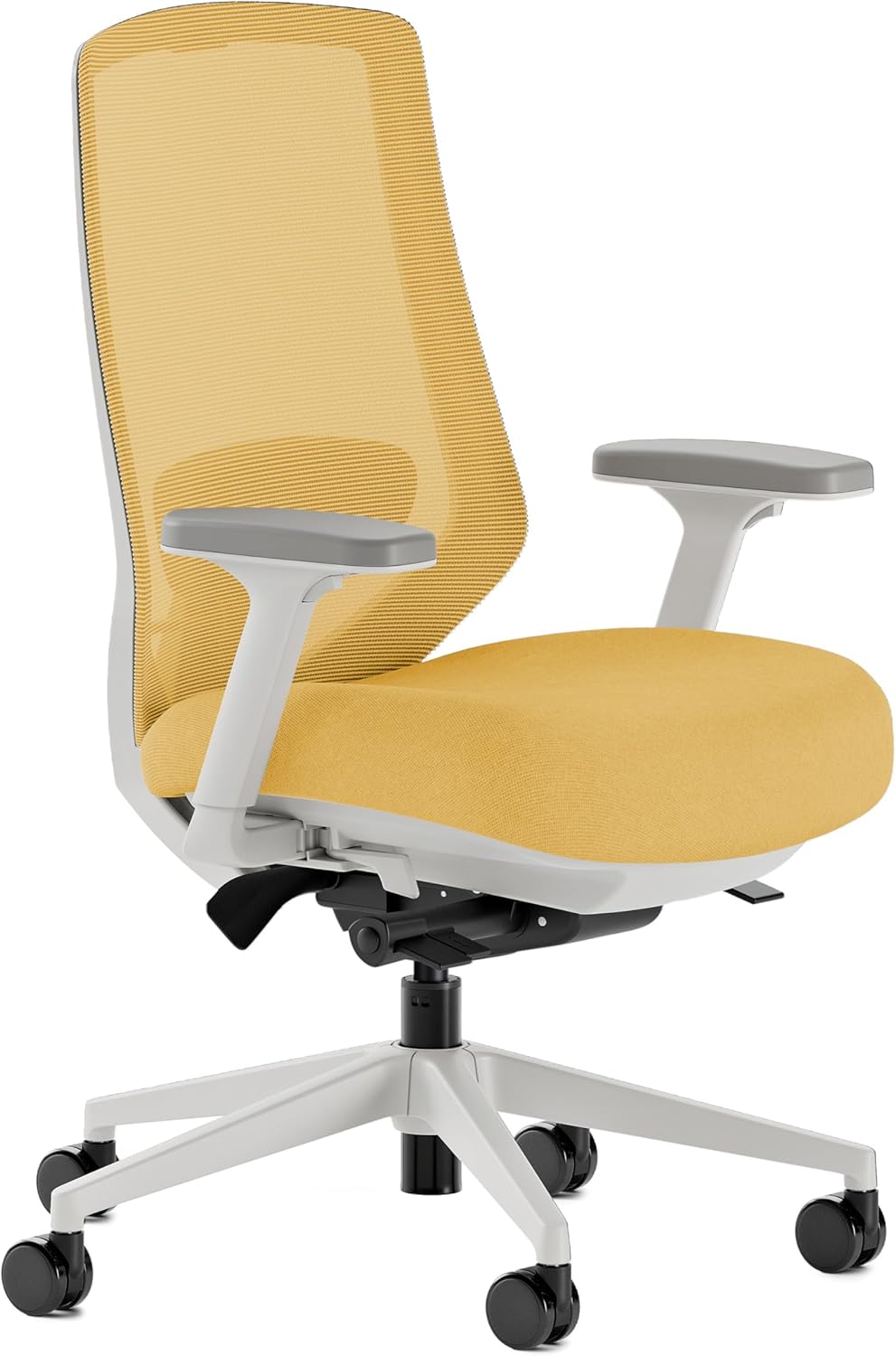
A modern executive-office alternative with extensive adjustments
The Branch Ergonomic Chair Pro combines a more refined office appearance with a substantial adjustment range. Its manufacturer lists a two-way lumbar cushion, 5D armrests, forward tilt, tilt tension adjustment, seat-depth adjustment, and an optional headrest.
The chair is also available in multiple materials, including mesh, bouclé, vegan leather, and leather. That makes the Ergonomic Chair Pro particularly relevant if you want a chair that looks more polished than a conventional mesh task chair without giving up ergonomic adjustment.
Branch lists a seven-year warranty and offers both standard and tall-cylinder configurations.
4. FlexiSpot C7
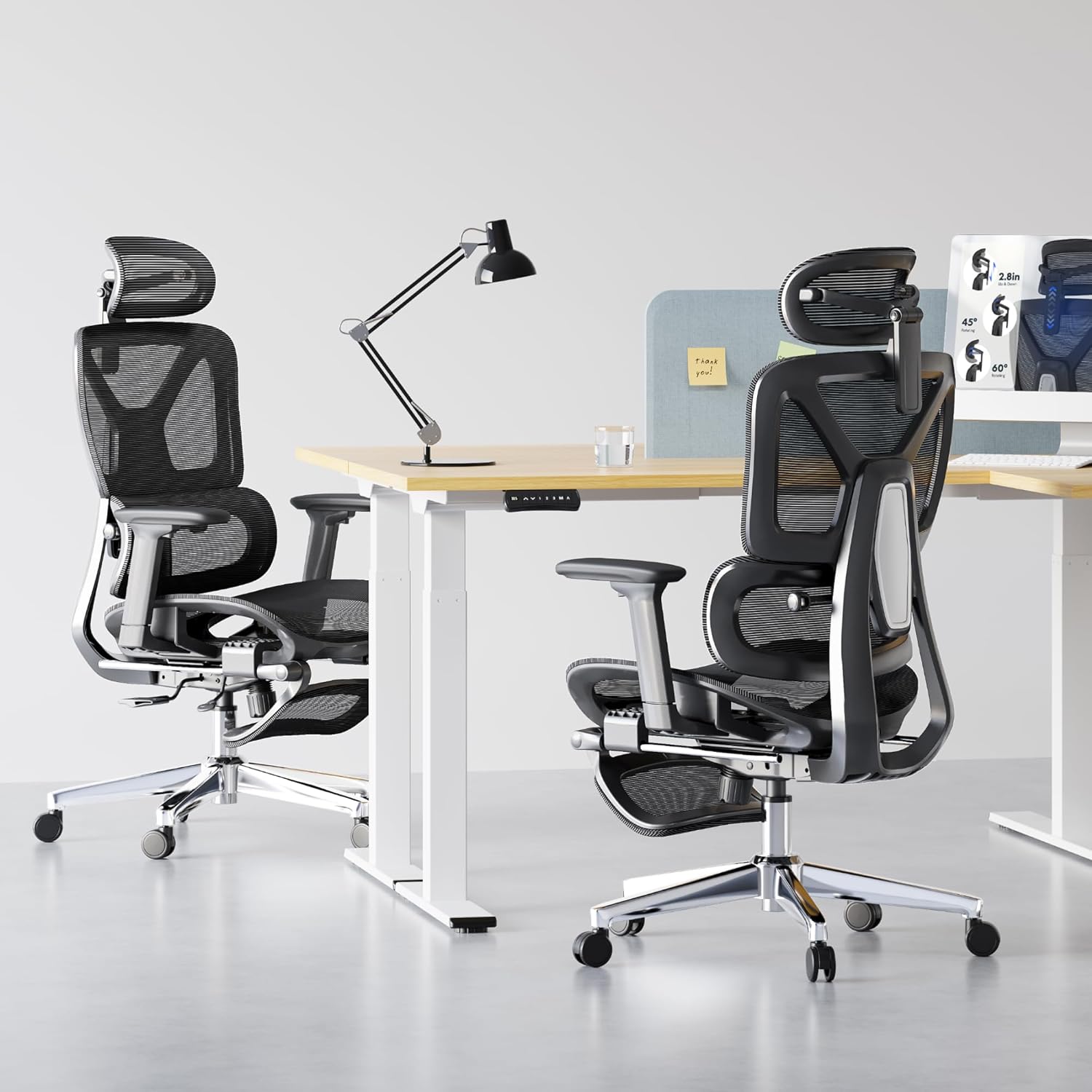
A feature-rich ergonomic option for extended desk sessions
The FlexiSpot C7 is designed around adjustable and self-adaptive support. The current manufacturer specifications list adjustable self-adaptive dynamic lumbar support, adjustable seat depth, and different configurations with different armrest, recline, seat, and capacity specifications.
The standard C7 is listed with a 90°–130° recline range, 3D armrests, adjustable seat depth, and a maximum capacity of 300 pounds. The C7 Max versions can reach a 350-pound capacity depending on configuration, so shoppers should verify the exact version before comparing weight ratings.
This distinction matters because “C7” and “C7 Max” should not be treated as identical configurations when comparing specifications.
5. SIHOO Doro C300 Pro V2
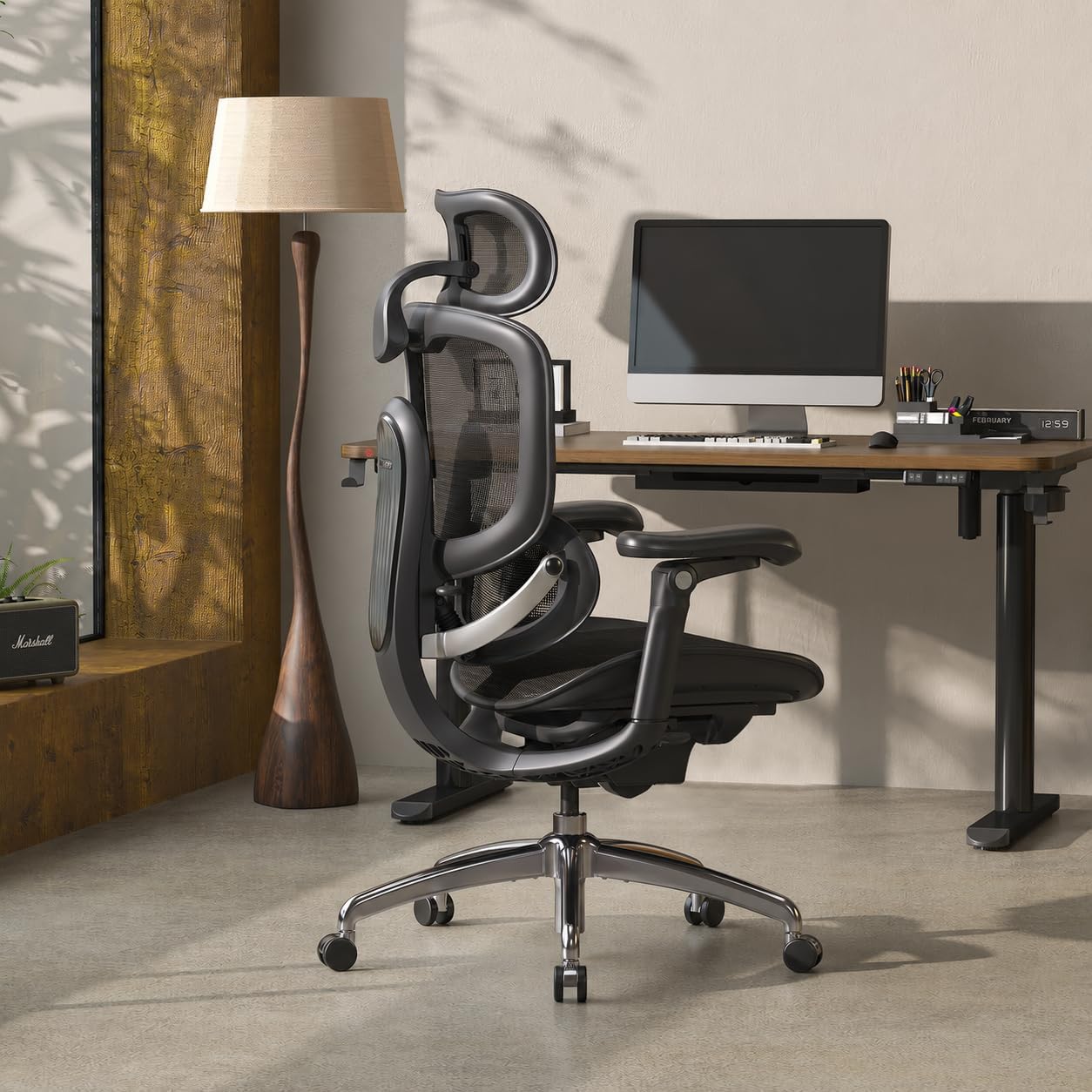
An adaptive mesh option for users who want more movement during the workday
The SIHOO Doro C300 Pro V2 uses a different long-hour strategy: instead of relying on a fixed lumbar pad, its DynaCore system coordinates the headrest, backrest, lumbar support, and armrests as the user changes position.
The manufacturer lists Domino 2.0 sacral-lumbar support, three lumbar support levels, a 1.6-inch seat-depth adjustment, and three recline positions at 105°, 120°, and 135°. The chair is rated for up to 330 pounds.
Its 20.5-inch seat width and mesh construction also make it worth considering if you prefer a more breathable ergonomic chair instead of a heavily padded executive-style design.
| Feature | SIHOO Doro C300 Pro V2 |
|---|---|
| Lumbar | Domino 2.0 sacral-lumbar support |
| Lumbar adjustment | Height + 3 support levels |
| Seat depth | 16.9–18.5 in |
| Recline | 105°, 120°, 135° |
| Capacity | 330 lb |
What Should You Look for in an Executive Chair for 8+ Hours?
1. Adjustable Seat Depth
Seat depth is one of the easiest specifications to overlook. A seat that is too deep can make it difficult to maintain proper back contact, while a seat that is too short may leave part of the thighs unsupported.
If you are comparing chairs for full-day use, prioritize models that let you change the usable seat depth rather than relying only on overall chair depth.
2. Adjustable Lumbar Support
A chair can have a prominent lumbar curve without having adjustable lumbar support. For long hours, check exactly what can be changed: height, depth, firmness, pressure, or movement.
If lumbar adjustment is especially important to you, see our guide to the
Best Executive Office Chair with Adjustable Lumbar Support
.
3. Armrest Adjustability
Your shoulders should not have to remain elevated simply because the armrests are too low. Conversely, armrests that are too high can interfere with your keyboard and desk position.
For long work sessions, look for enough adjustment to position your elbows comfortably while keeping your shoulders relaxed.
4. Recline That You Can Actually Use
Reclining is not only about reaching the largest advertised angle. A useful recline mechanism should let you change position smoothly and maintain useful contact with the backrest.
Multiple lock positions can also be useful if you frequently switch between focused typing, reading, video calls, and relaxed work.
5. Breathability
Traditional executive chairs often use thick upholstery because it creates a substantial appearance. That can be comfortable in a cool room, but a mesh or breathable material may be preferable if heat buildup becomes noticeable during long sessions.
If you specifically want a traditional padded executive look, pay attention to the upholstery and room temperature rather than assuming more padding automatically means better long-hour comfort.
Traditional Executive Chair vs. Ergonomic Executive-Style Chair
| Characteristic | Traditional Executive Chair | Ergonomic Executive-Style Chair |
|---|---|---|
| Appearance | High-back, padded, leather or leather-look | Modern professional office design |
| Lumbar | May be fixed or integrated into padding | Usually more adjustable |
| Seat depth | Often fixed | Frequently adjustable |
| Breathability | Depends heavily on upholstery | Mesh and hybrid materials are common |
| Long-hour fit | Depends strongly on individual chair design | Generally emphasizes adjustability |
How to Set Up an Executive Office Chair for Long Hours
01. Set Seat Height
Start with your feet supported and your knees in a comfortable position rather than using the armrests as your reference point.
02. Set Seat Depth
Adjust the seat so your thighs are supported without forcing the front edge of the seat against the area behind your knees.
03. Adjust Lumbar
Position the lumbar support where it provides useful contact rather than simply turning it to the maximum setting.
04. Set Armrests
Bring the armrests to your elbows instead of raising your shoulders to reach them.
05. Tune Recline
Use a recline setting that lets you change position without losing control of your desk, keyboard, and monitor.
06. Recheck After a Few Hours
A chair can feel correct initially but reveal a seat-depth, armrest, or pressure problem later in the day.
Are Executive Chairs Good for Long Hours and Lower-Back Support?
They can be, but the executive appearance itself does not determine ergonomic performance. Two chairs that both have a high back and thick padding can have very different lumbar mechanisms and seat geometry.
If lower-back support is a major concern, compare the actual adjustment system rather than choosing based on the word “executive.” A height-adjustable lumbar mechanism, adjustable seat depth, and a backrest that maintains contact as you recline can provide more useful information than the amount of visible padding.
For a more focused comparison, see our
Best Office Chair for Lower Back Pain
guide.
What About Big and Tall Users?
Long-hour comfort becomes more dependent on fit as body size varies. Weight capacity, seat width, seat depth, seat-height range, and armrest positioning should all be checked rather than relying on the general “executive” label.
If you need a higher-capacity executive chair, see our dedicated guide:
Best Executive Office Chairs for Big and Tall Users
.
Long-Hour Executive Chair Buying Checklist
- Seat depth: Can the seat be adjusted to match your thigh length?
- Lumbar: Can you adjust the location, pressure, firmness, or depth?
- Armrests: Can your elbows remain supported without raising your shoulders?
- Recline: Can you change position without losing useful back support?
- Materials: Will the upholstery or mesh remain comfortable in your working environment?
- Capacity: Does the published weight rating provide an appropriate margin for your body weight?
- Warranty: Is the chair covered for the amount of daily use you expect?
- Return policy: Can you return the chair if the fit does not work for your body?
Related Executive Chair Guides
FAQ: Executive Office Chairs for Long Hours
Is an executive office chair good for 8 hours of work?
It can be, but the executive appearance does not guarantee all-day comfort. For eight-hour use, look for adjustable seat depth, useful lumbar support, supportive armrests, and a recline mechanism that lets you change position.
What is the most important feature for a long-hour office chair?
There is no single feature that fits every user. Seat fit is a useful starting point because seat height and depth affect how your body interacts with the backrest and lumbar area. After that, evaluate lumbar support, armrests, recline, and material.
Is a leather executive chair good for long hours?
A leather or leather-look chair can work well for long sessions if its underlying ergonomics are appropriate. However, upholstery can also retain more heat than mesh, so the choice depends partly on your room temperature, clothing, and personal preference.
Should I choose a mesh chair or a padded executive chair?
Mesh can be attractive if breathability is important, while padded upholstery may better match a traditional executive office aesthetic. For long sessions, compare the complete ergonomic system rather than choosing based on material alone.
Does a headrest matter for long hours?
A headrest can be useful when you frequently recline or take breaks from an upright working position, but it is not automatically necessary for focused desk work. The more important consideration is whether the headrest can be positioned appropriately for your body.
How often should I change position while working?
Rather than treating one sitting angle as correct for the entire workday, use the chair’s adjustments to change position periodically. Standing, walking, and changing posture throughout the day can also reduce the amount of time spent in one static position.
Final Takeaway
The best executive office chair for long hours is not necessarily the chair with the thickest cushion or tallest backrest. Look for a combination of adjustable seat depth, useful lumbar support, supportive armrests, controllable recline, appropriate materials, and a weight rating that fits your body. Modern ergonomic chairs such as the Steelcase Leap, Herman Miller Embody, Branch Ergonomic Chair Pro, FlexiSpot C7, and SIHOO Doro C300 Pro V2 demonstrate how executive-office seating can increasingly overlap with ergonomic task-chair design.
Affiliate Disclosure:
SitBetterLab may earn a commission when you purchase through qualifying links on this page, at no additional cost to you. Product specifications, configurations, availability, prices, and warranties can change, so verify the current details before purchasing.